Reorder a past order
Same job, same plants. Reorder pulls a past order back into a new project at current prices and availability.
3 steps · about 1 min
- 1
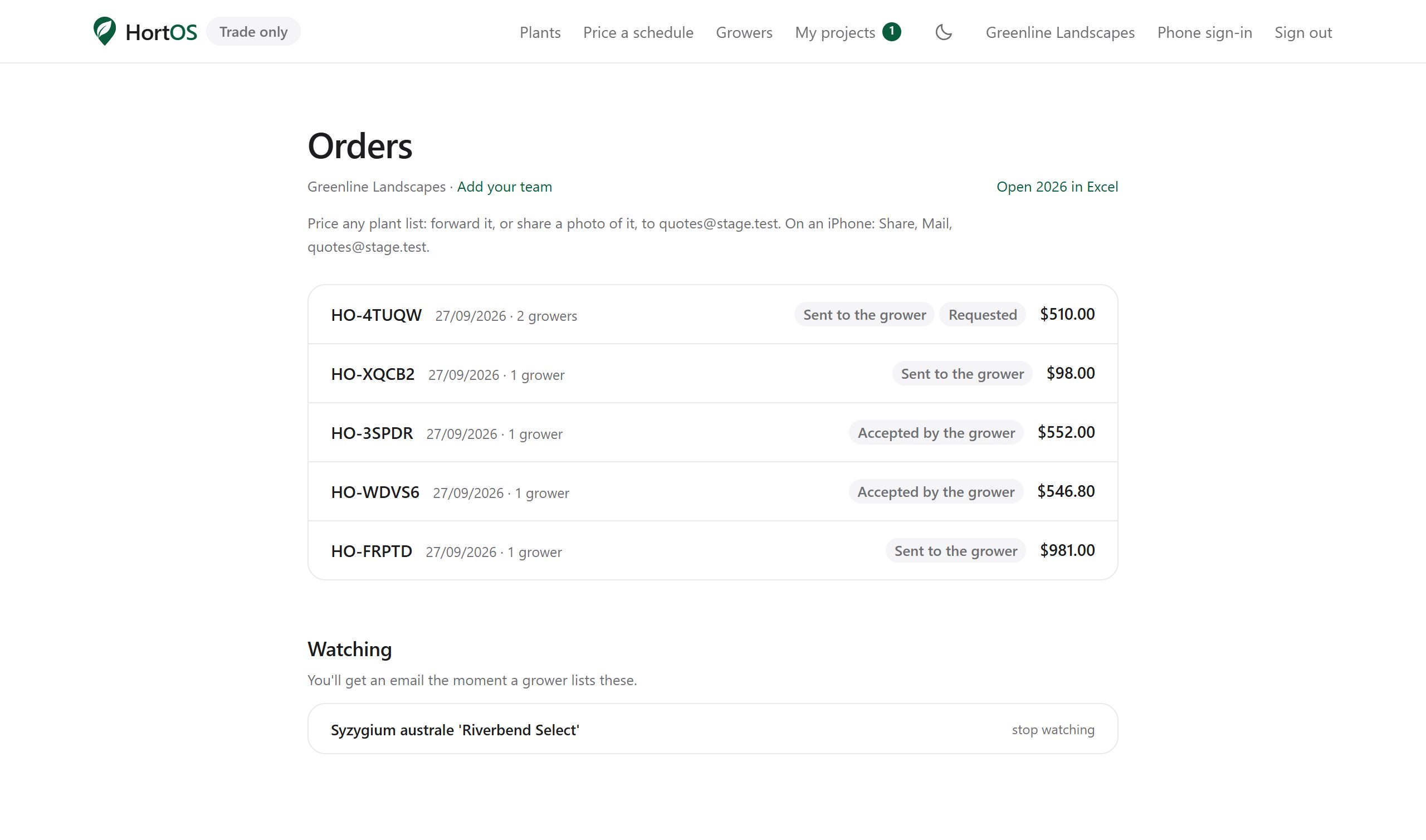
Open Orders and find the old one.
- 2
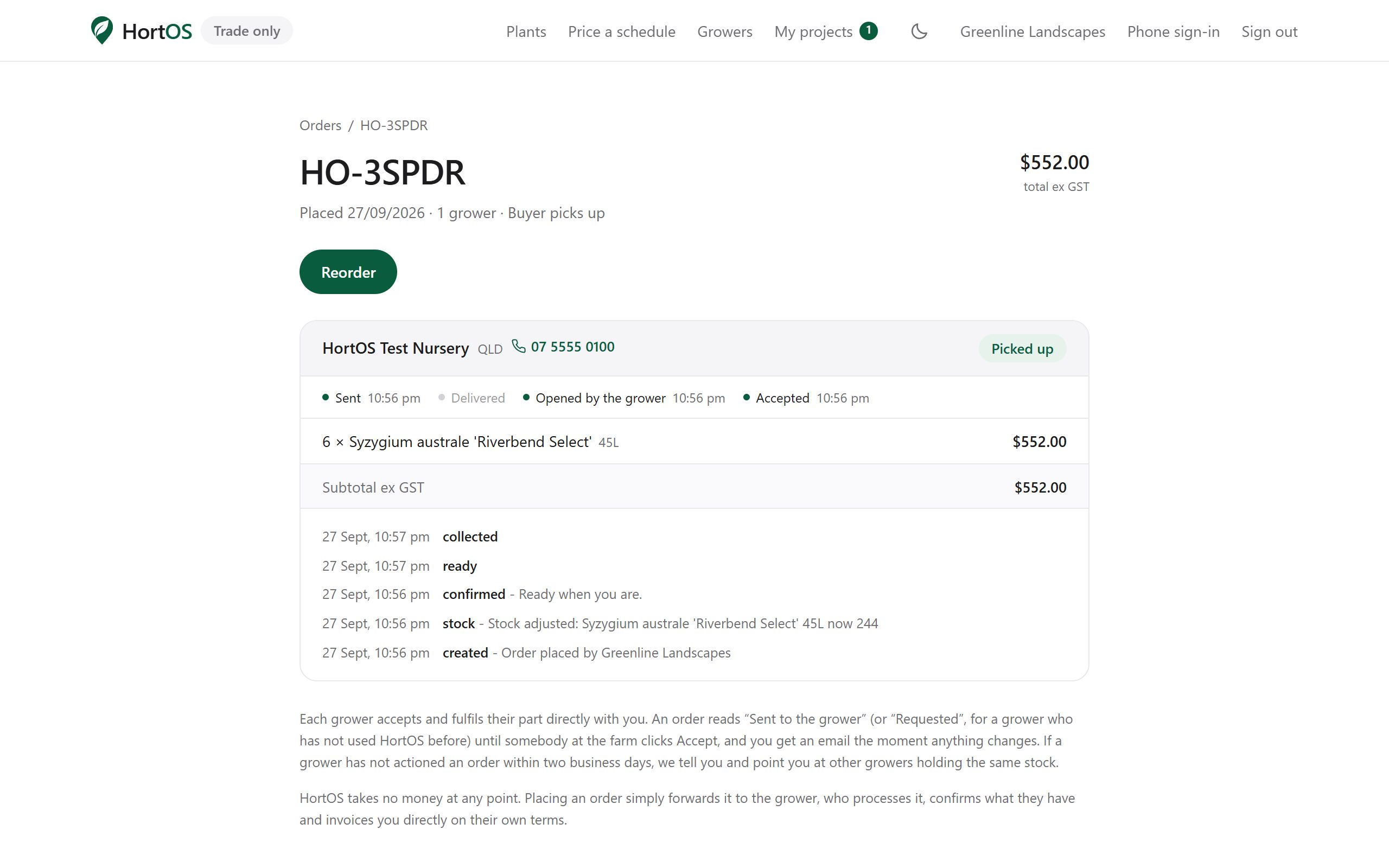
Open it and click reorder. Every line still available is added to a fresh project.
- 3
Prices refresh to today's. Anything no longer available is flagged so you can pick a substitute.
Stuck? Email team@hortosapp.com and we will sort it out, or set it up for you.