Tutorials
Short guides with screenshots for every part of HortOS. Each one takes a couple of minutes.
For growers
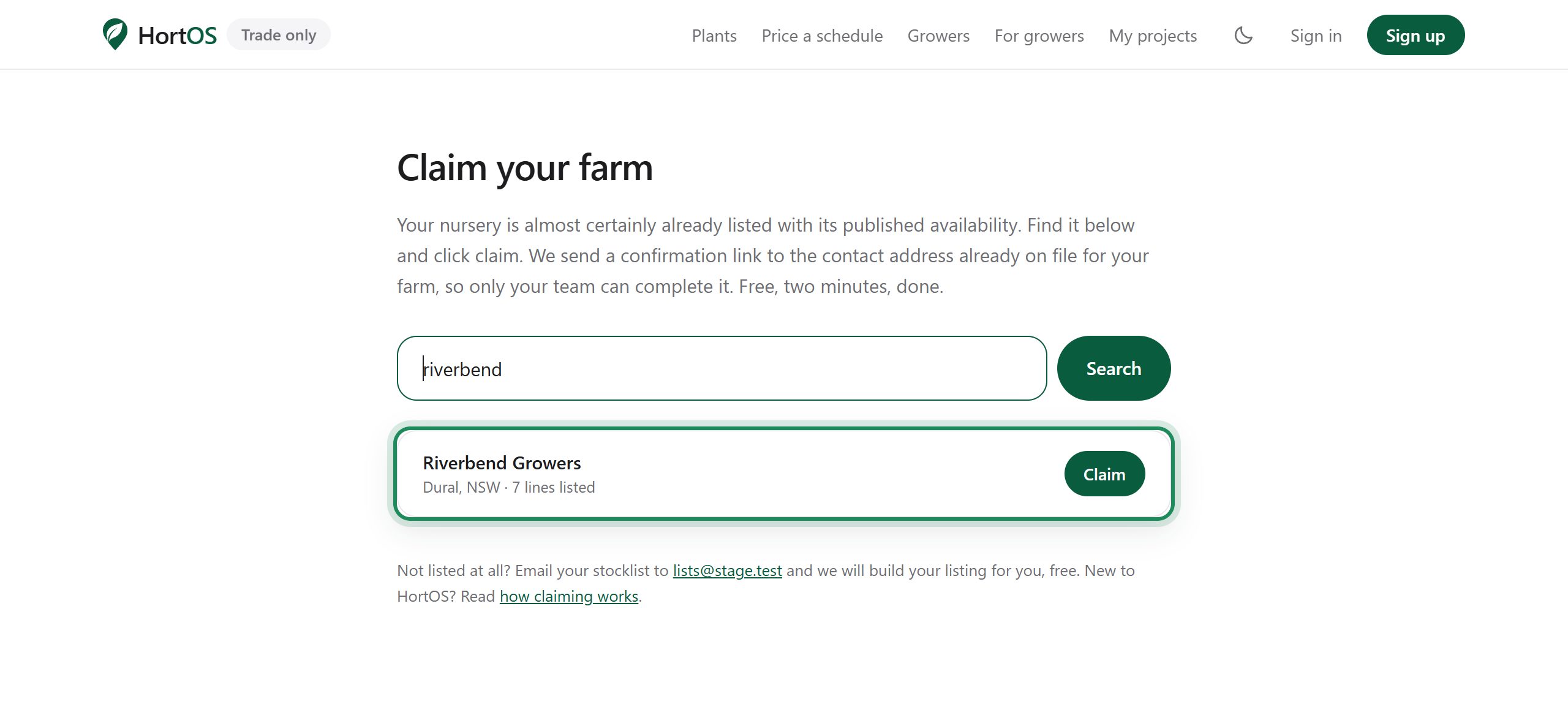
Claim your farm
Your farm is already listed on HortOS with your published availability. Claiming it gives you control: your stocklist, your prices, your orders. It is free.
4 steps · 2 min
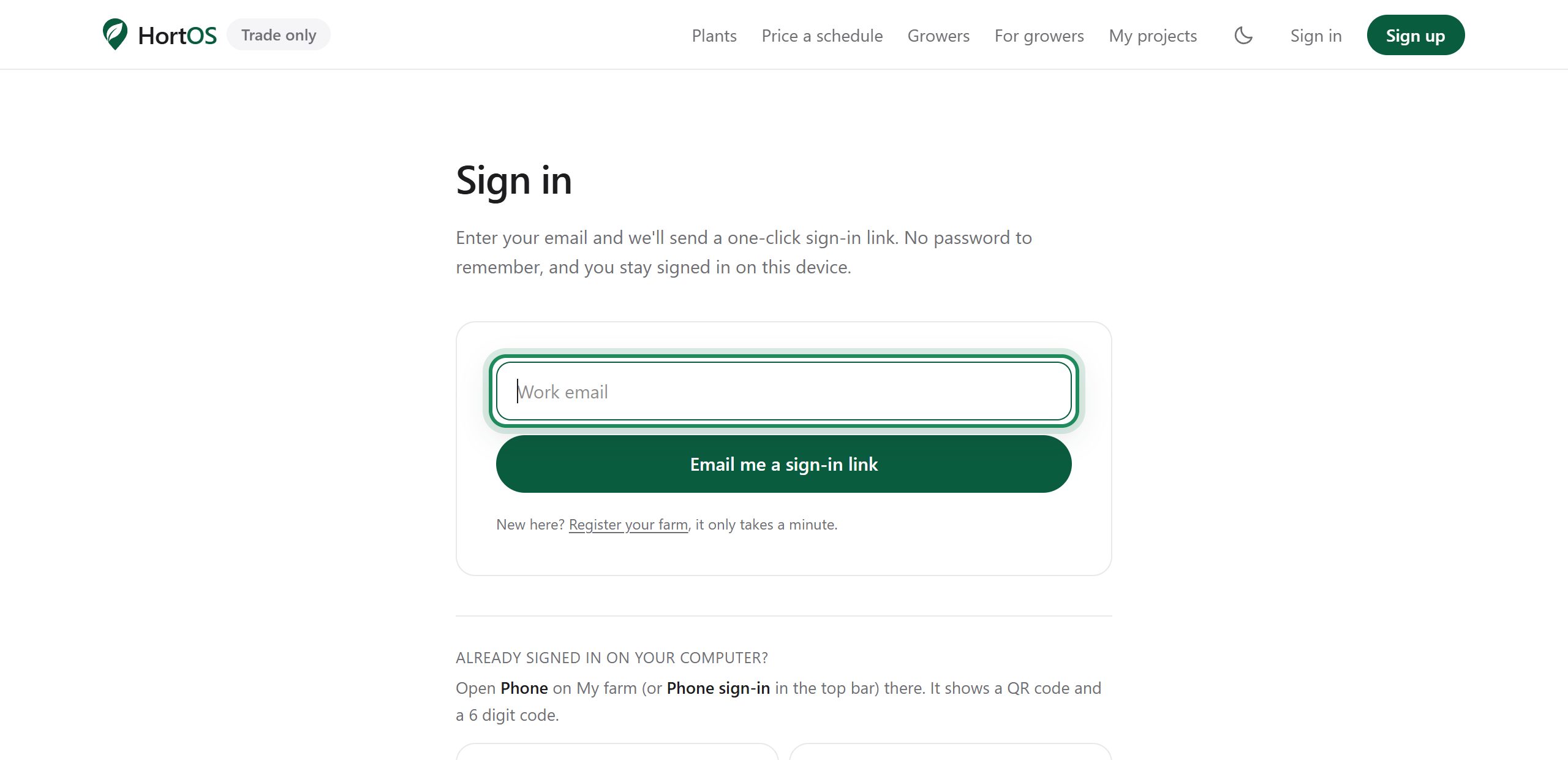
Sign in without a password
There are no passwords on HortOS. You enter your email, we send you a link, you click it. You stay signed in on that device for over a year.
4 steps · 1 min
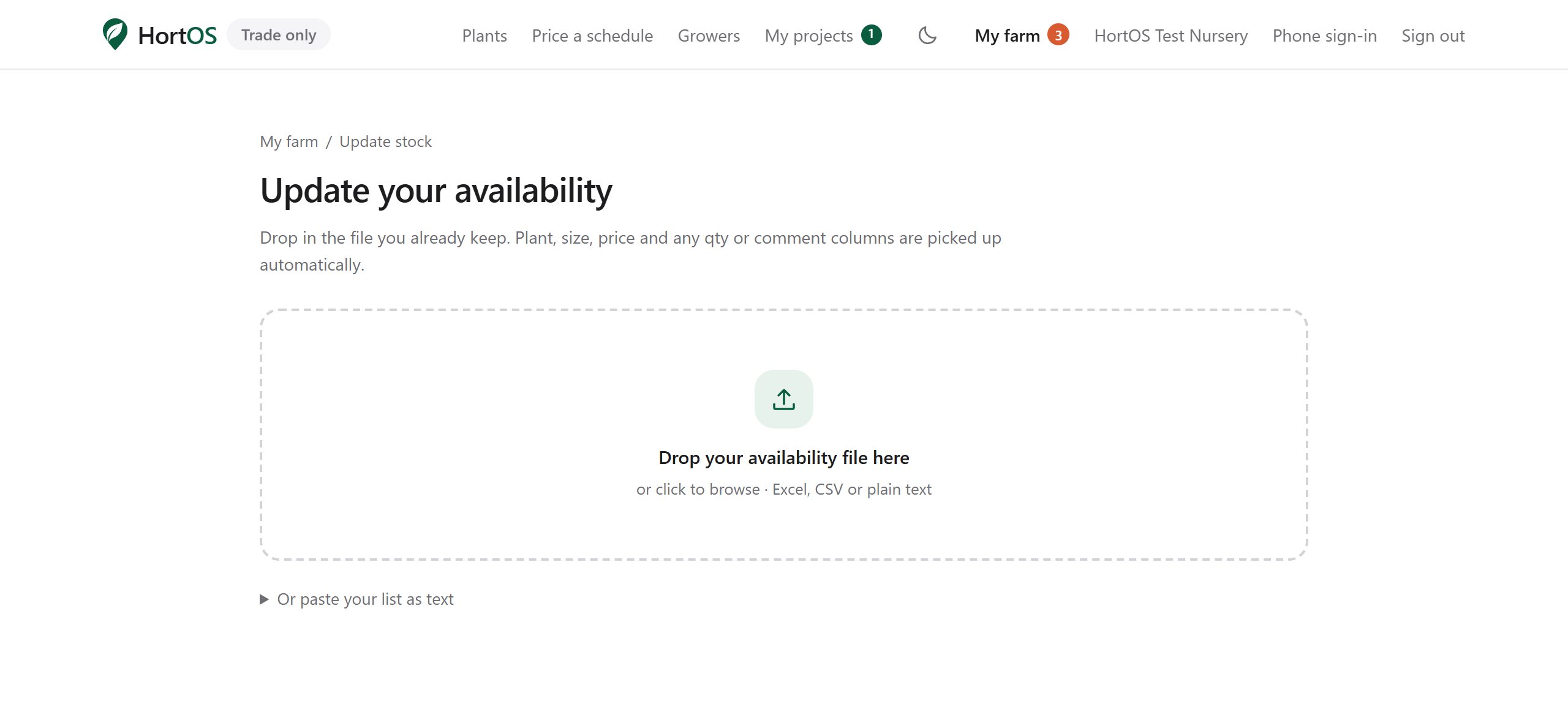
Update your stocklist from the list you already keep
Do not retype anything. Upload the file you already keep, or paste your list as plain text. HortOS reads it, matches it to plants, and shows you a preview before anything changes.
4 steps · 3 min
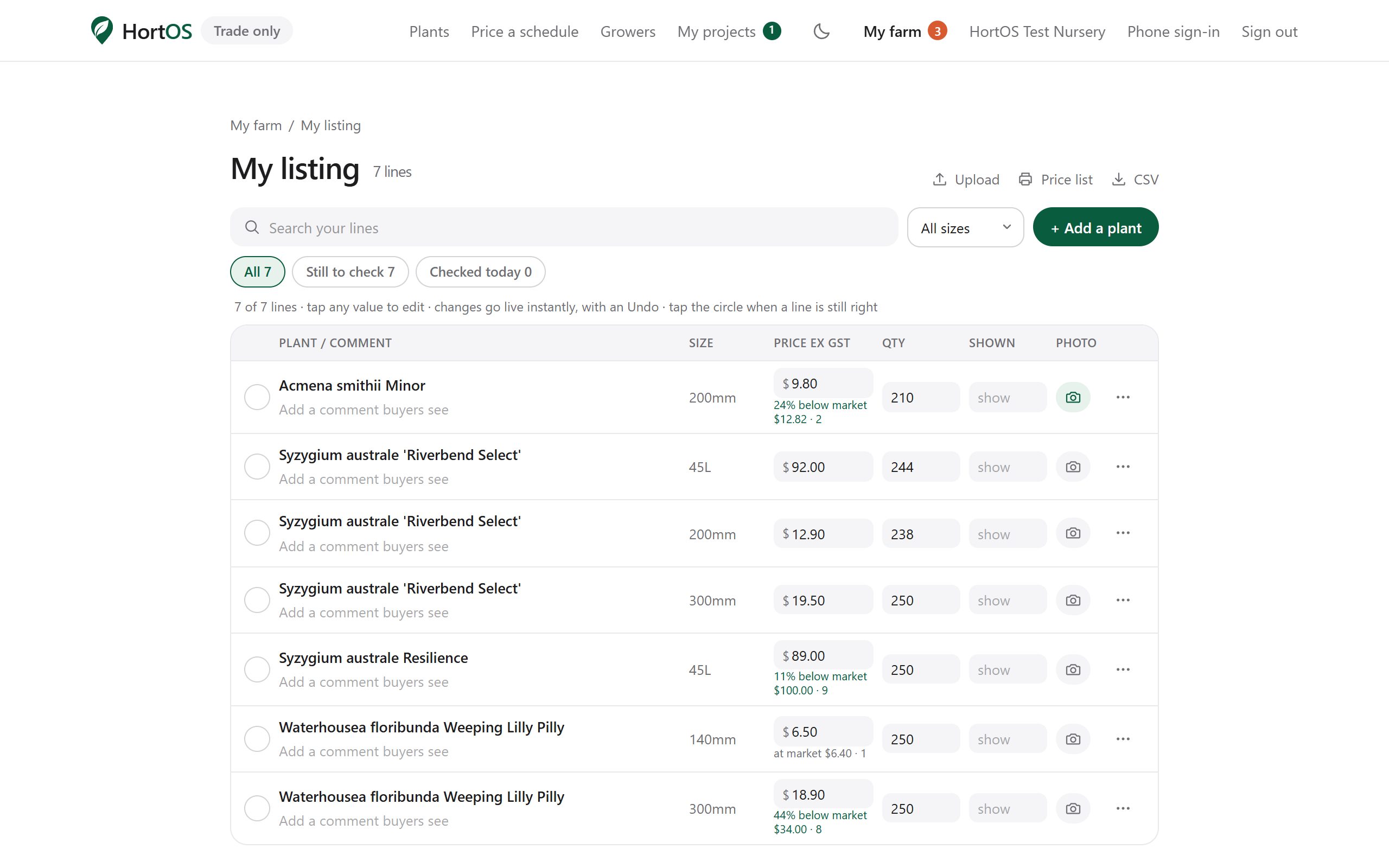
Change a price or quantity in seconds
Sold a batch? Price moved? Fix one line without touching the rest.
4 steps · 2 min
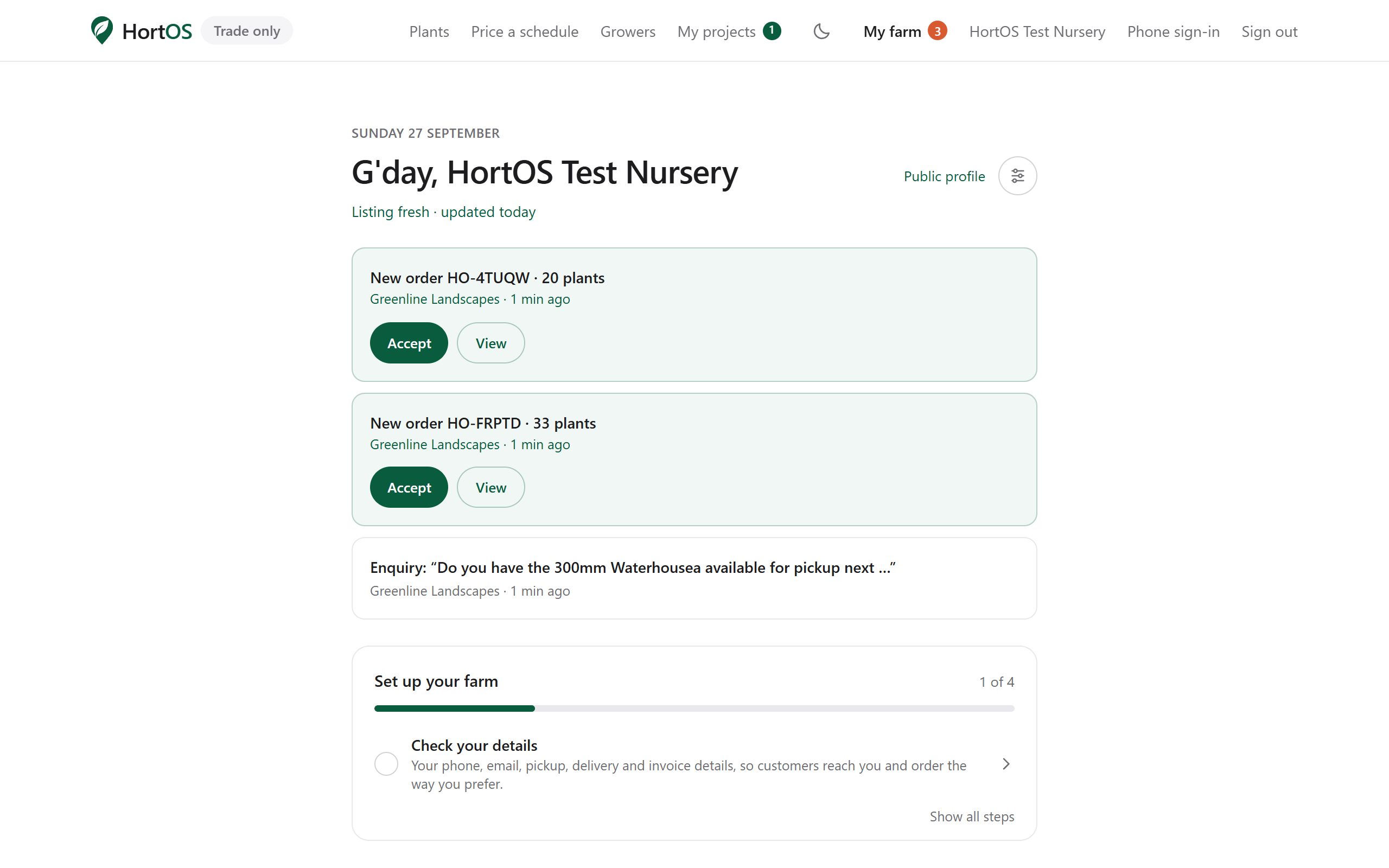
Handle an order from your inbox
Orders come to you by email. You can accept and manage the whole order from the email link. No login needed.
5 steps · 2 min
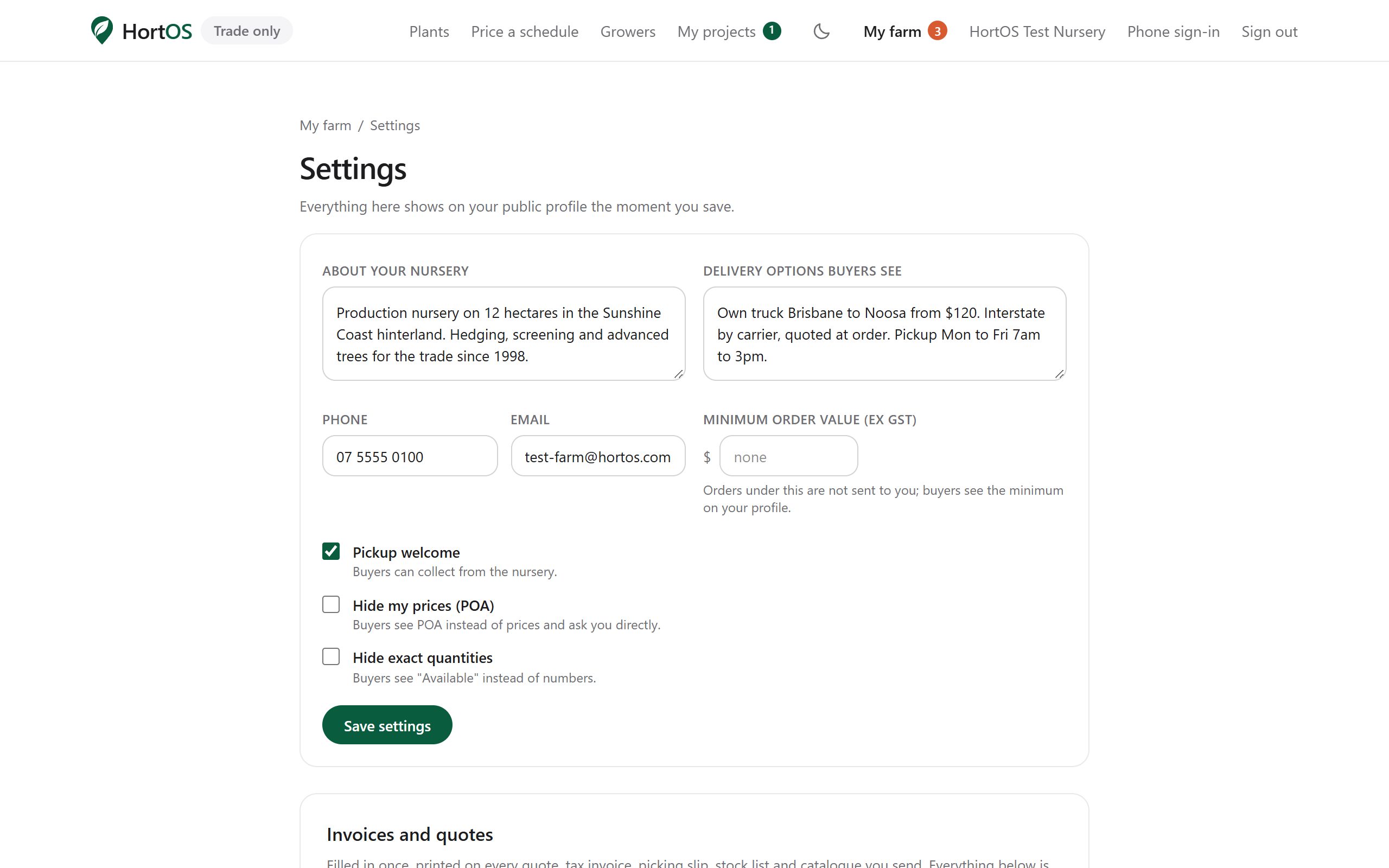
Set up invoicing once, invoice forever
Enter your details once. After that, every order can produce a proper tax invoice and picking slip with your name on it, in one click.
4 steps · 3 min
Add plant photos from your phone
A photo sells the batch. Take it in the row, upload it from your phone, done.
4 steps · 1 min
Farm settings, explained
Five minutes here controls how buyers see you and what they can do.
4 steps · 2 min
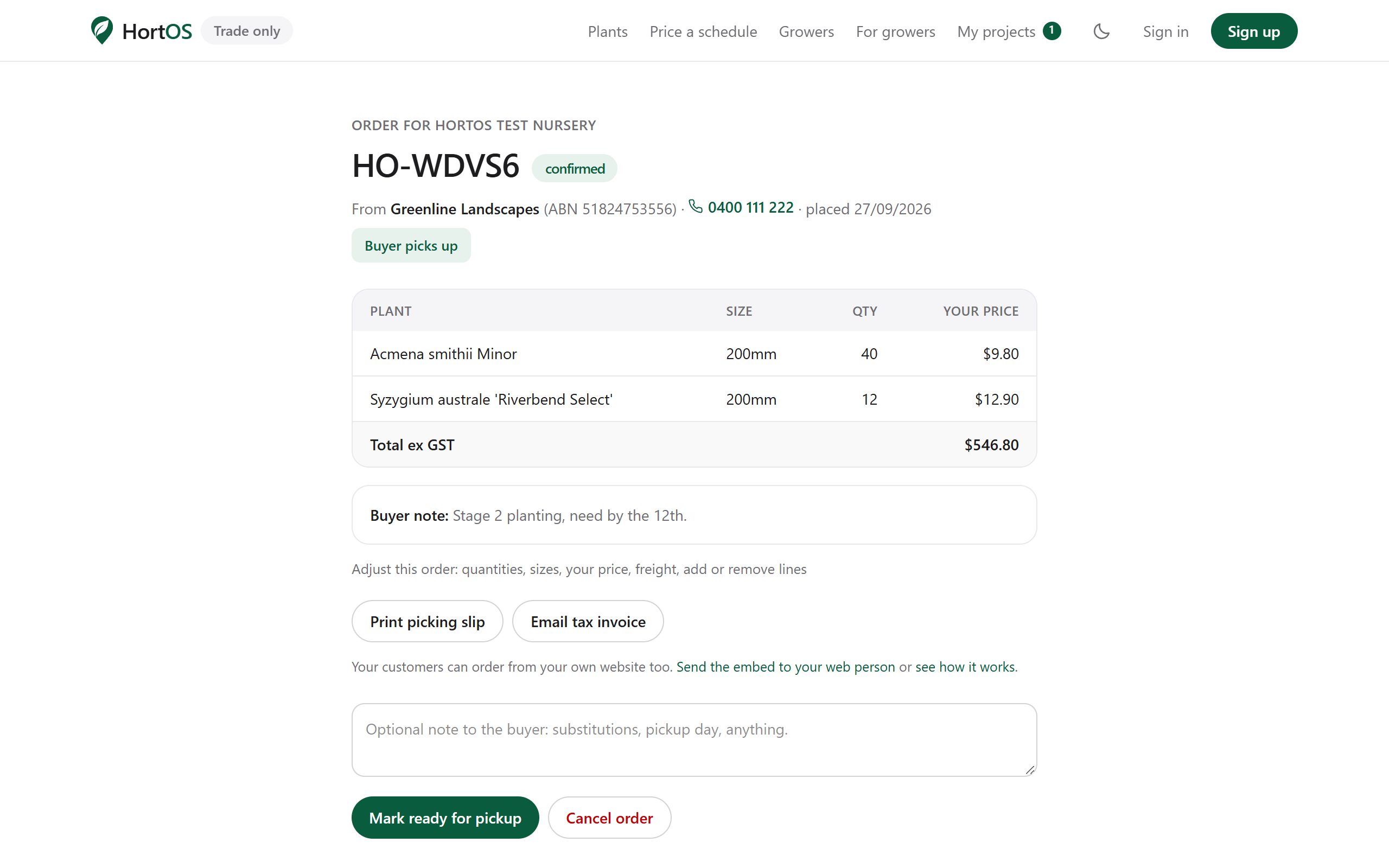
Short a line, swap a line, remove a line
The buyer ordered 25 but you can only supply 20. Do not ring them. Amend the order and the buyer is told automatically.
5 steps · 2 min
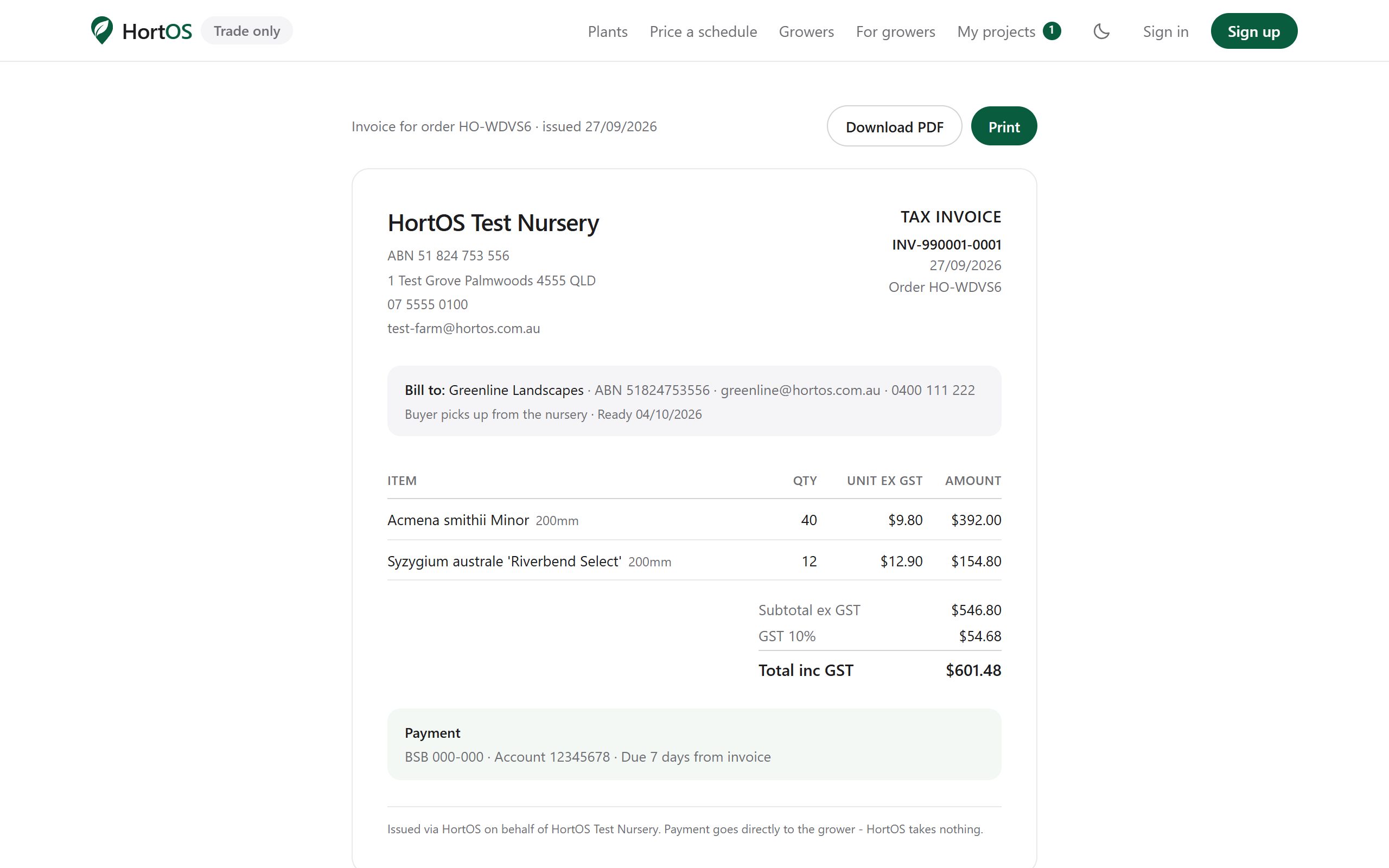
Invoices: issue, supersede, reissue
Invoices follow the order. If the order changes after invoicing, the old invoice is marked superseded and you reissue in one click. Numbering stays clean for your bookkeeper.
4 steps · 2 min
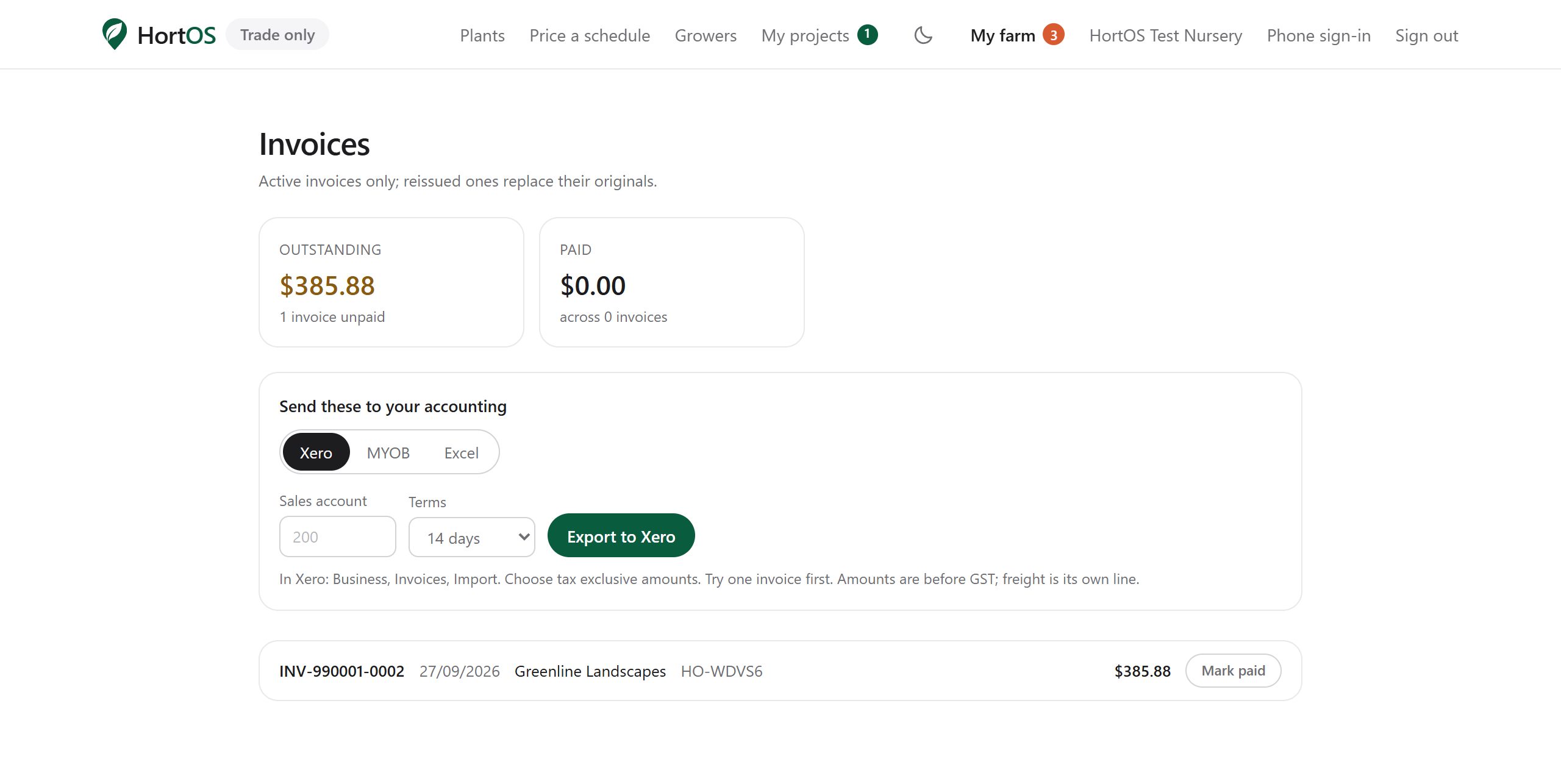
The ledger: what is owed, what is paid
Every invoice in one list. Mark them paid as money lands and export the lot for your bookkeeper.
4 steps · 2 min
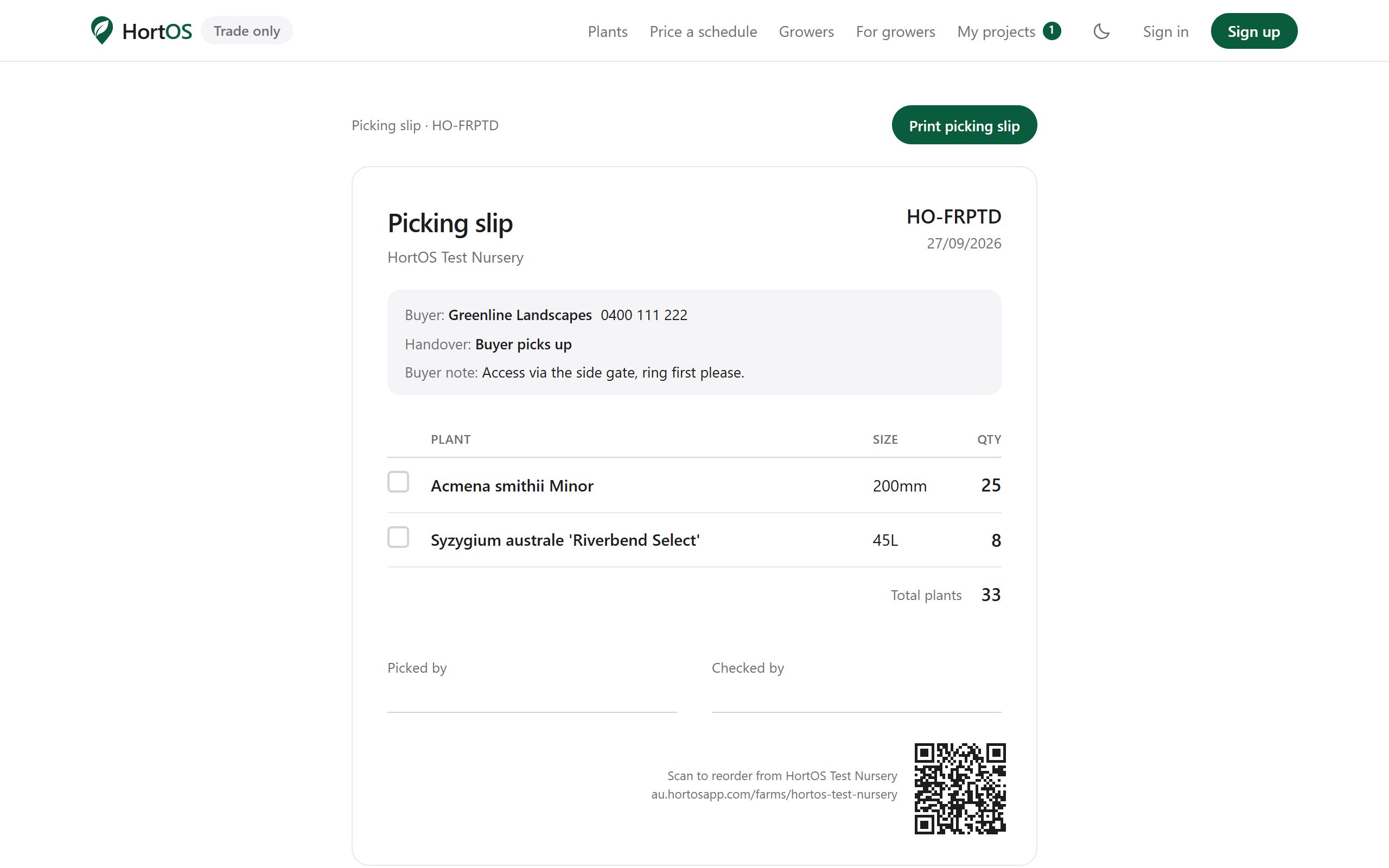
Print picking slips
One click per order, or print the day's batch in one go.
3 steps · 1 min
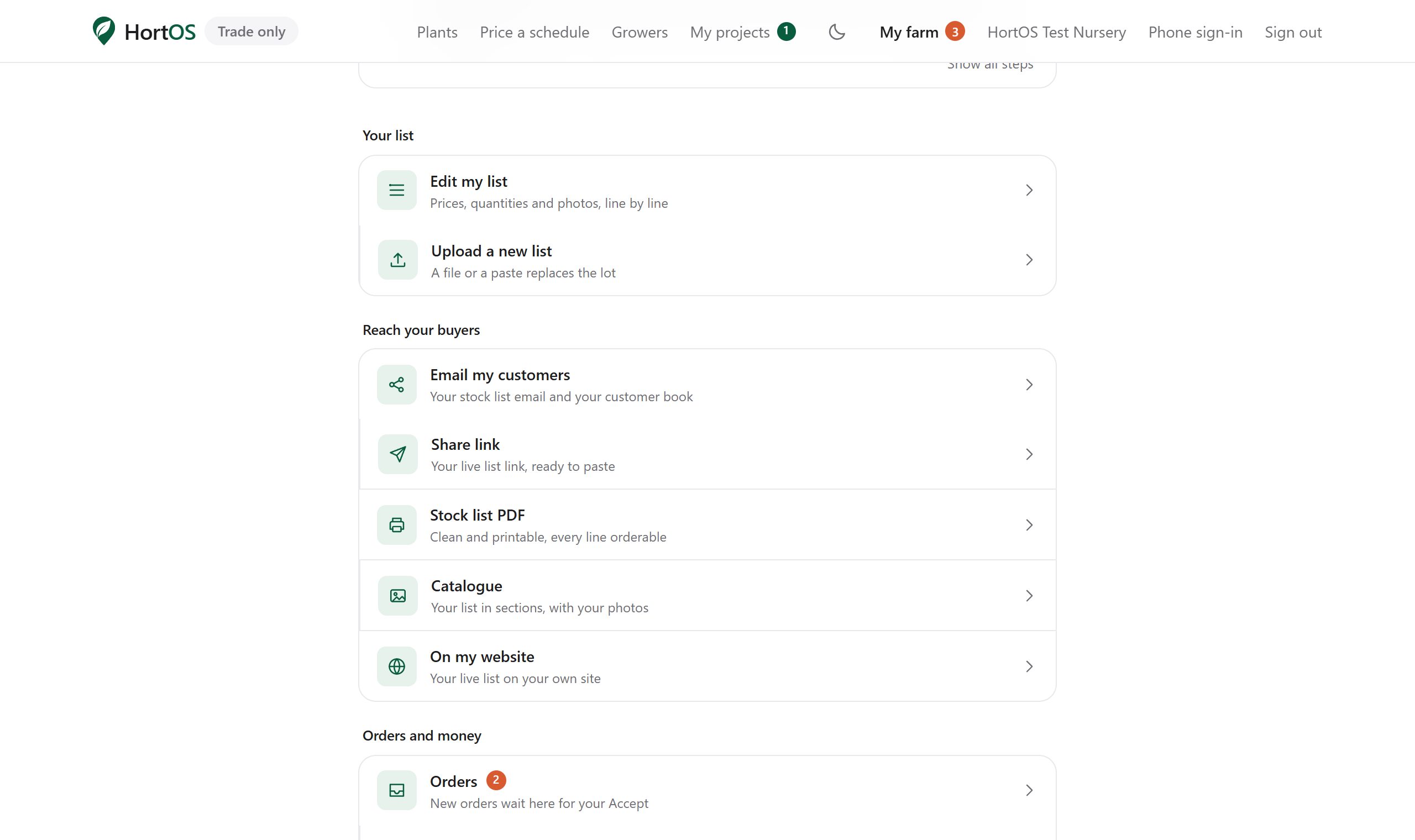
Share your stocklist with your own buyers
Your listing has a live link you can send to anyone. It always shows current stock, so you never email an out of date PDF again.
4 steps · 2 min
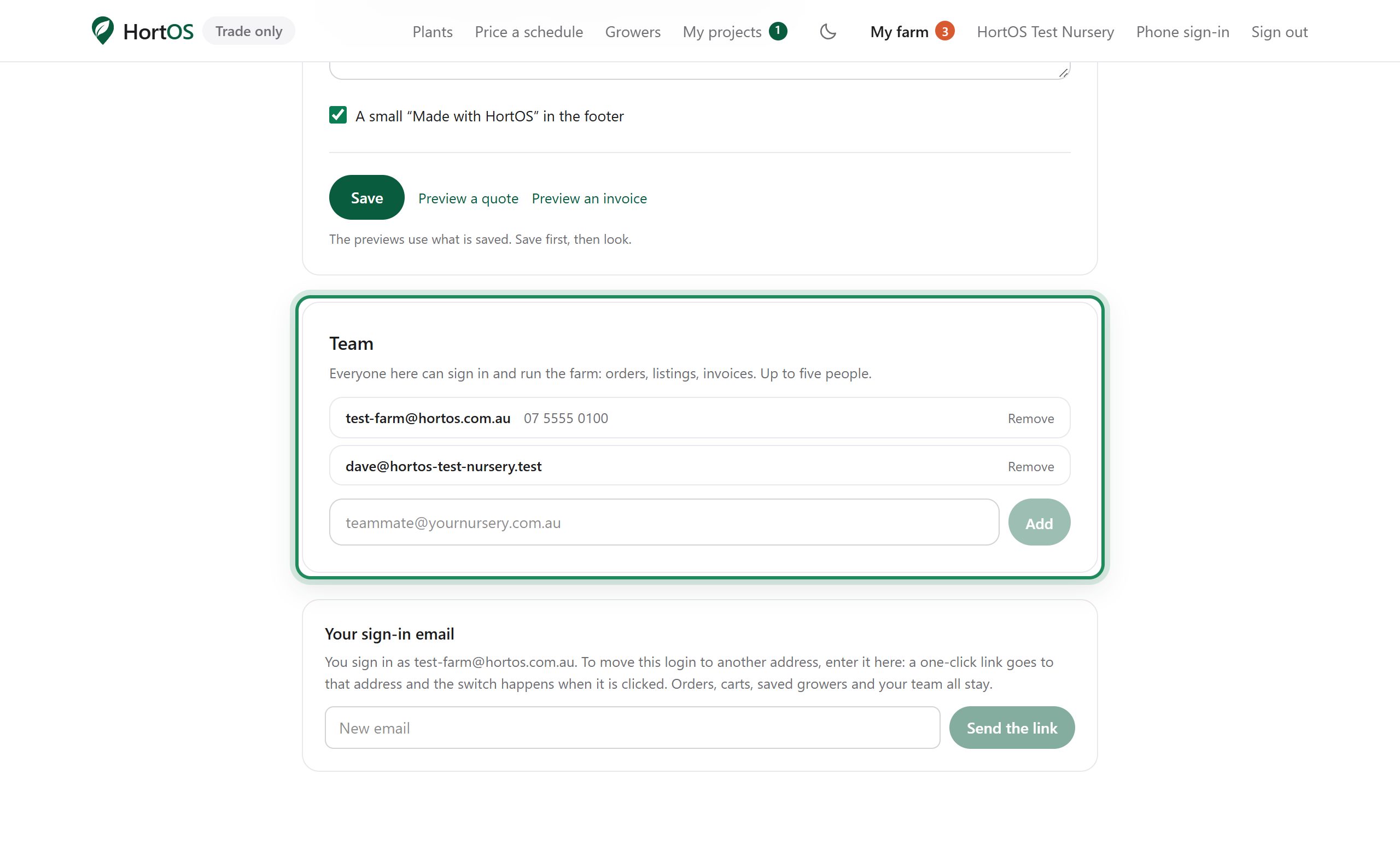
Give your team their own logins
Up to five people can run the farm account. Everyone signs in with their own email. No shared passwords, because there are no passwords.
4 steps · 1 min
Answer buyer enquiries
Buyers with a verified trade account can send you questions. They arrive on your dashboard and by email.
3 steps · 1 min
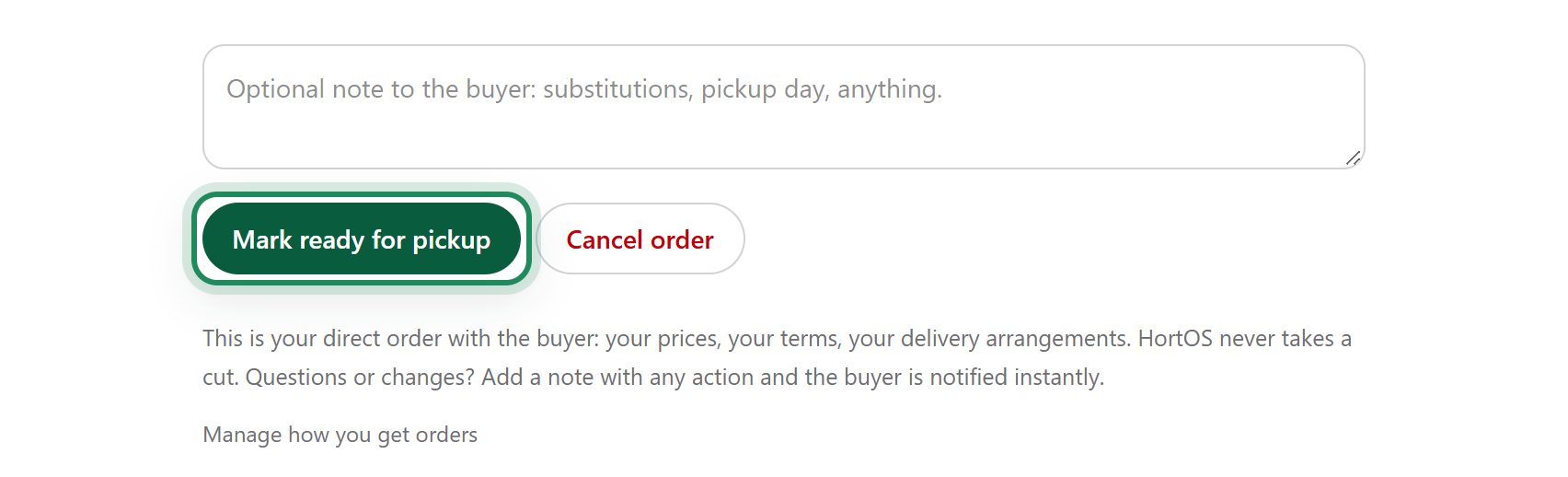
Dispatch day: ready, then picked up
Two clicks take an order from confirmed to done, and the buyer is told at each step automatically.
4 steps · 2 min
Send your stock list to your own customers
Your stock list, emailed to your own customers under your name, built from what is on your page. Every line can be ordered and replies come to you.
6 steps · 3 min
For buyers
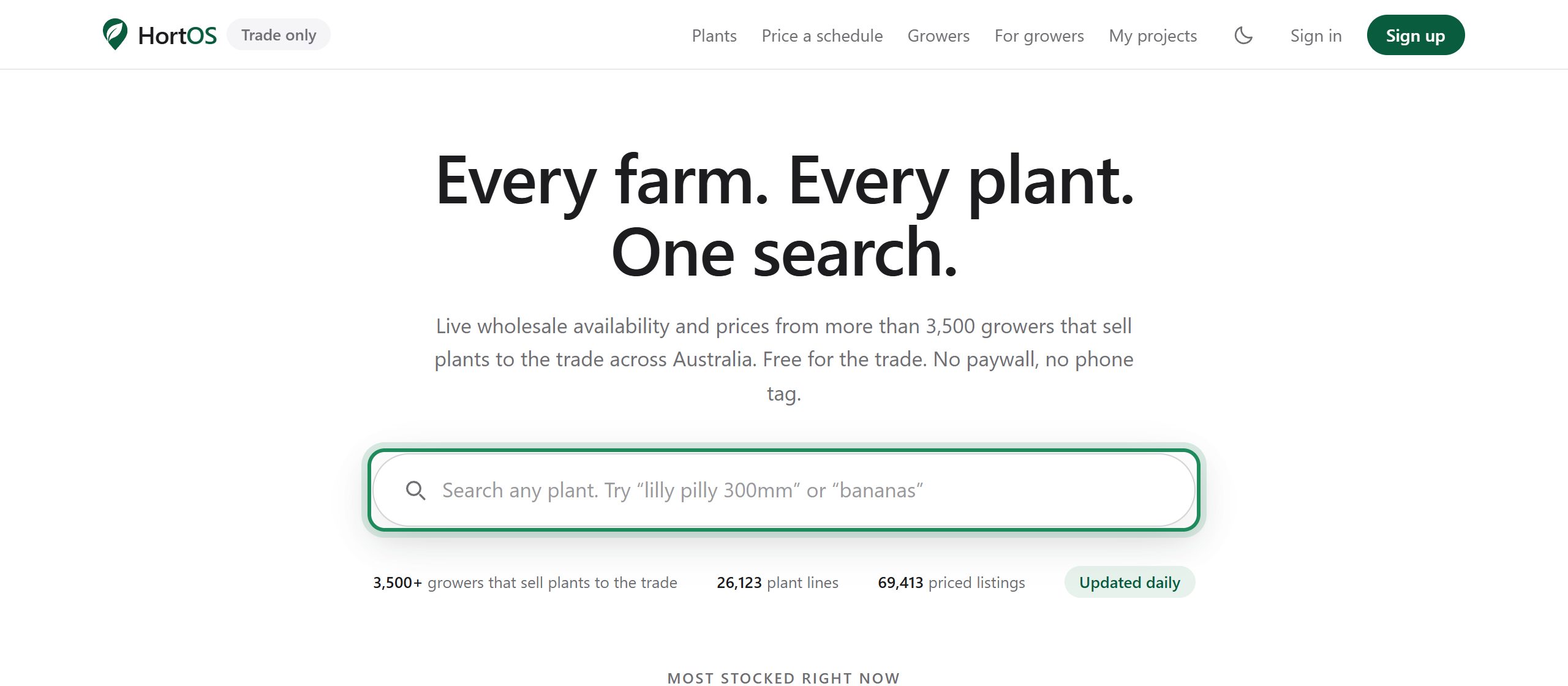
Search every farm at once
One search box covers every grower's live list. Botanical names, common names and rough spelling all work.
5 steps · 2 min
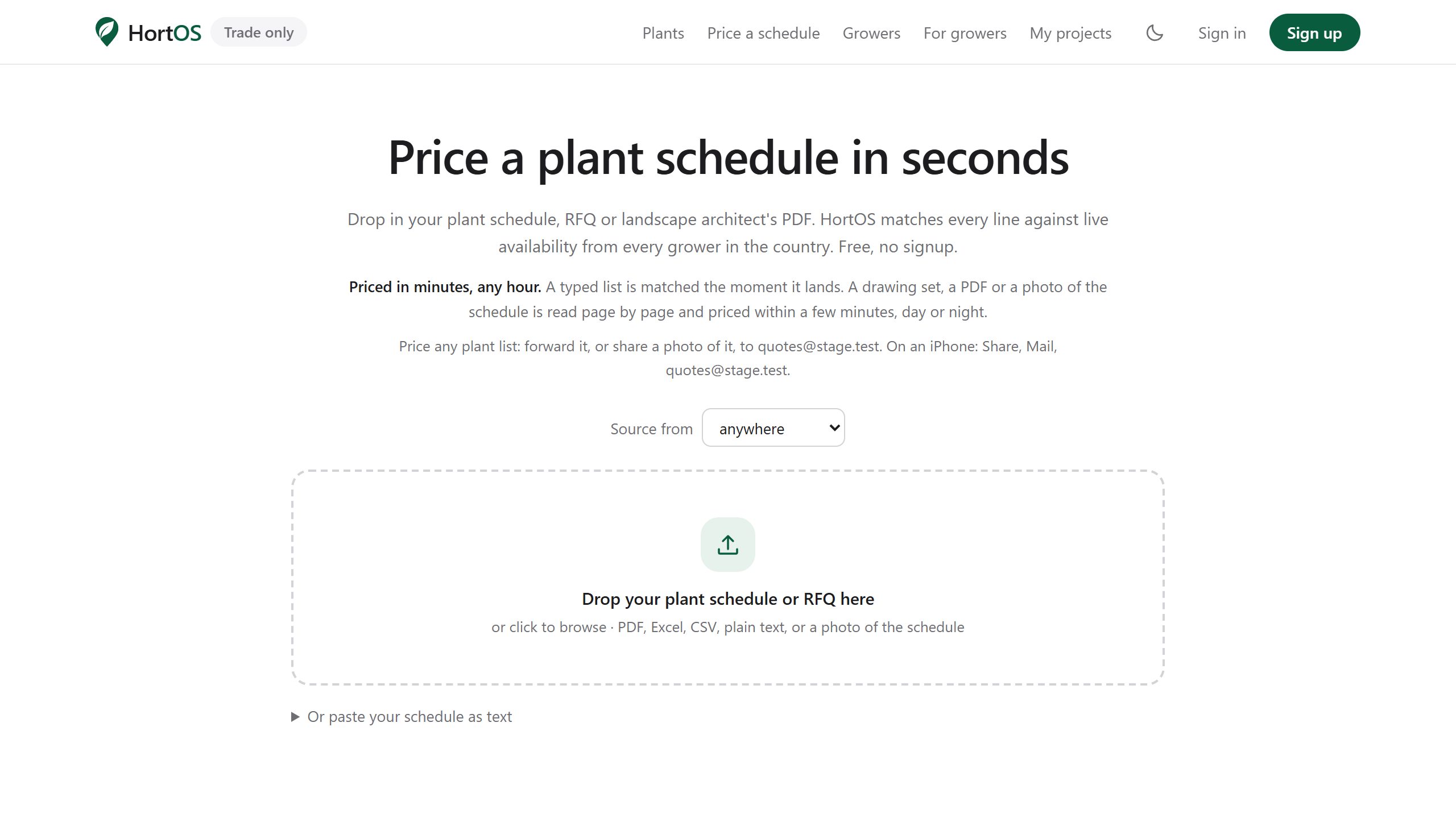
Price a whole plant schedule in one go
Paste your plant schedule and get every line matched and priced against live availability from every farm. What used to take a morning of phone calls takes seconds.
4 steps · 3 min
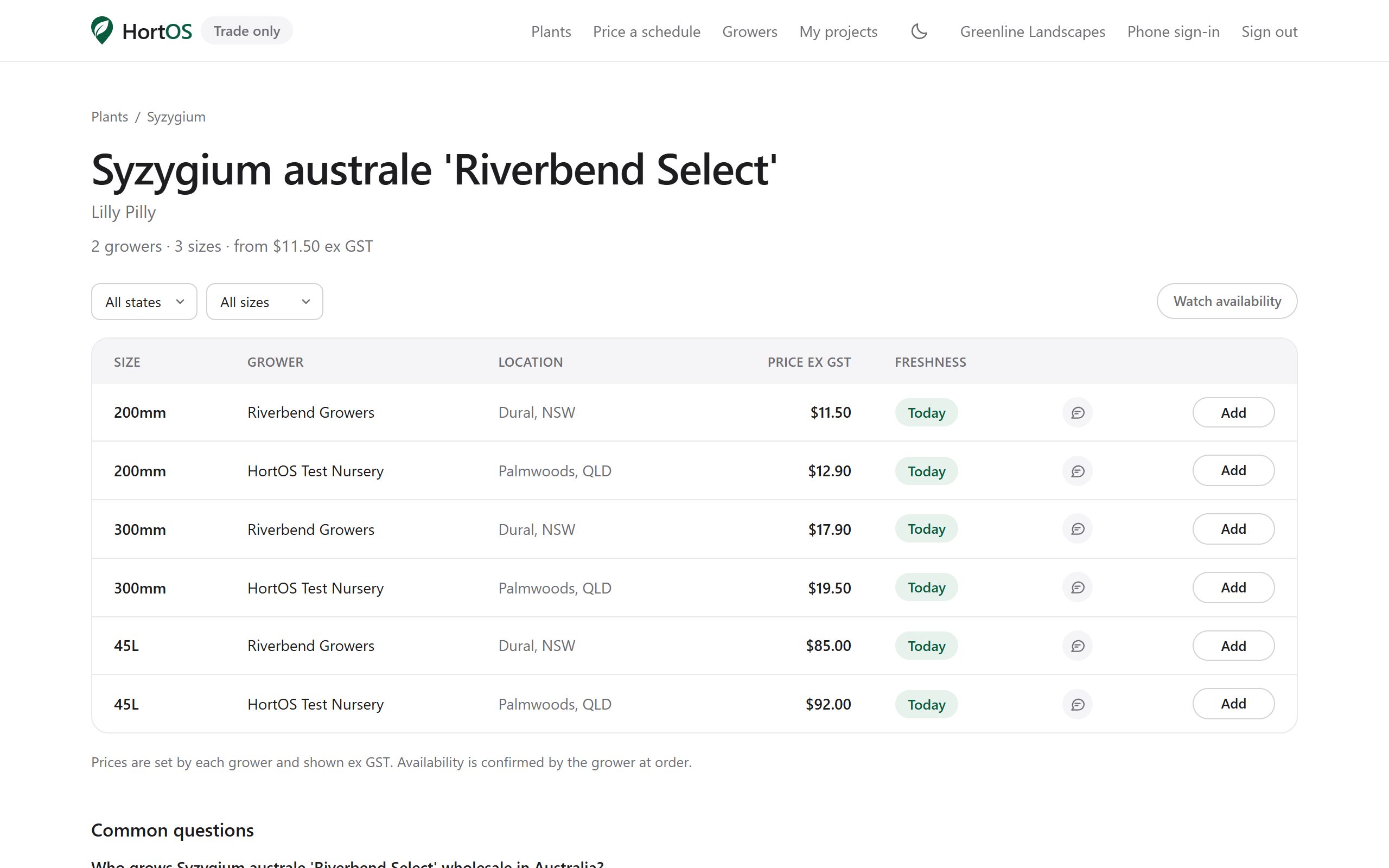
Order direct from the farm
Orders go straight to the grower, who confirms from their inbox. Their stock, their prices, no middleman.
5 steps · 3 min
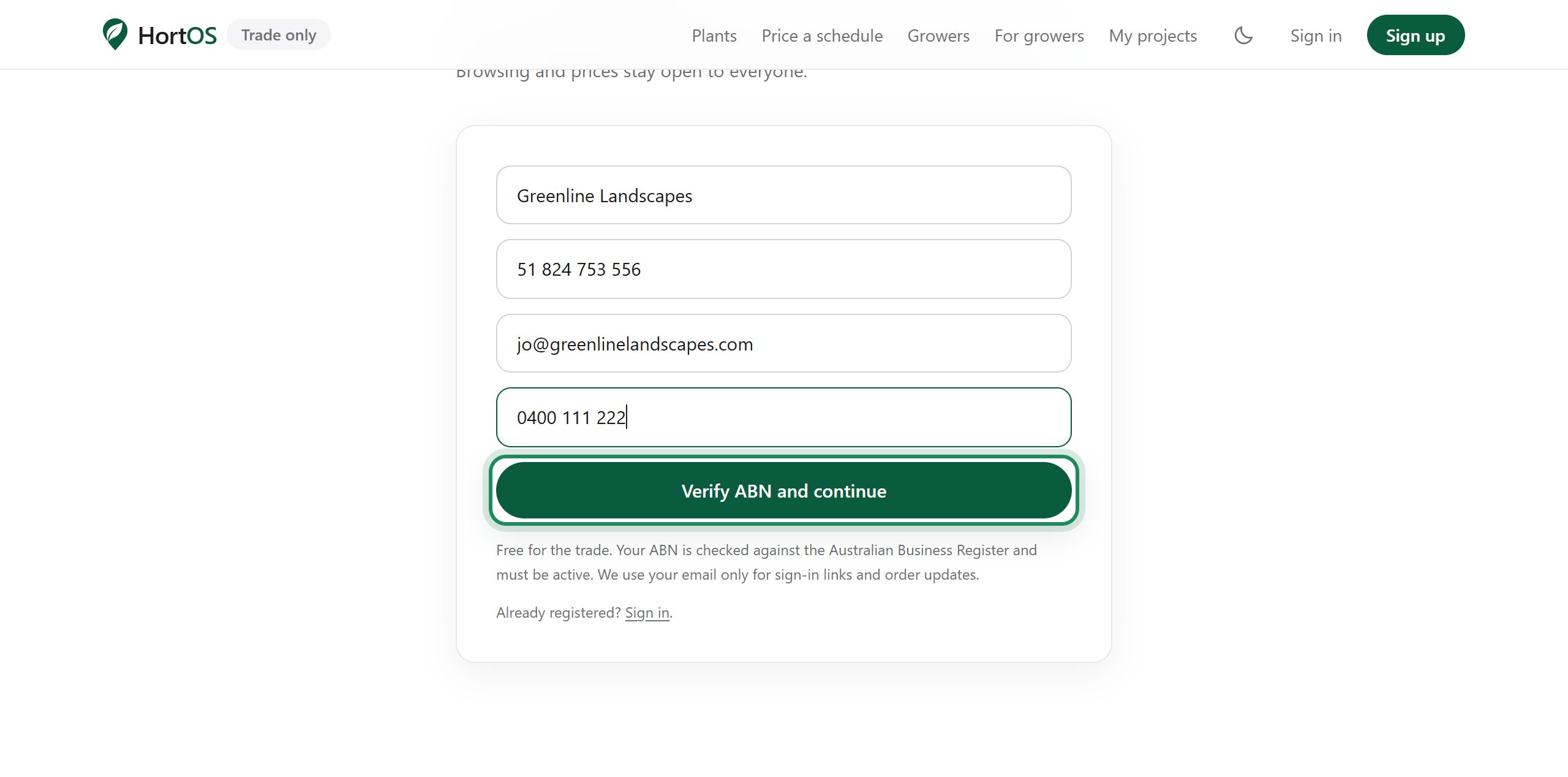
Create a trade account
Browsing and prices are open to everyone. A verified trade account unlocks grower contacts and direct ordering. Verification is your ABN, checked against the Australian Business Register.
4 steps · 2 min
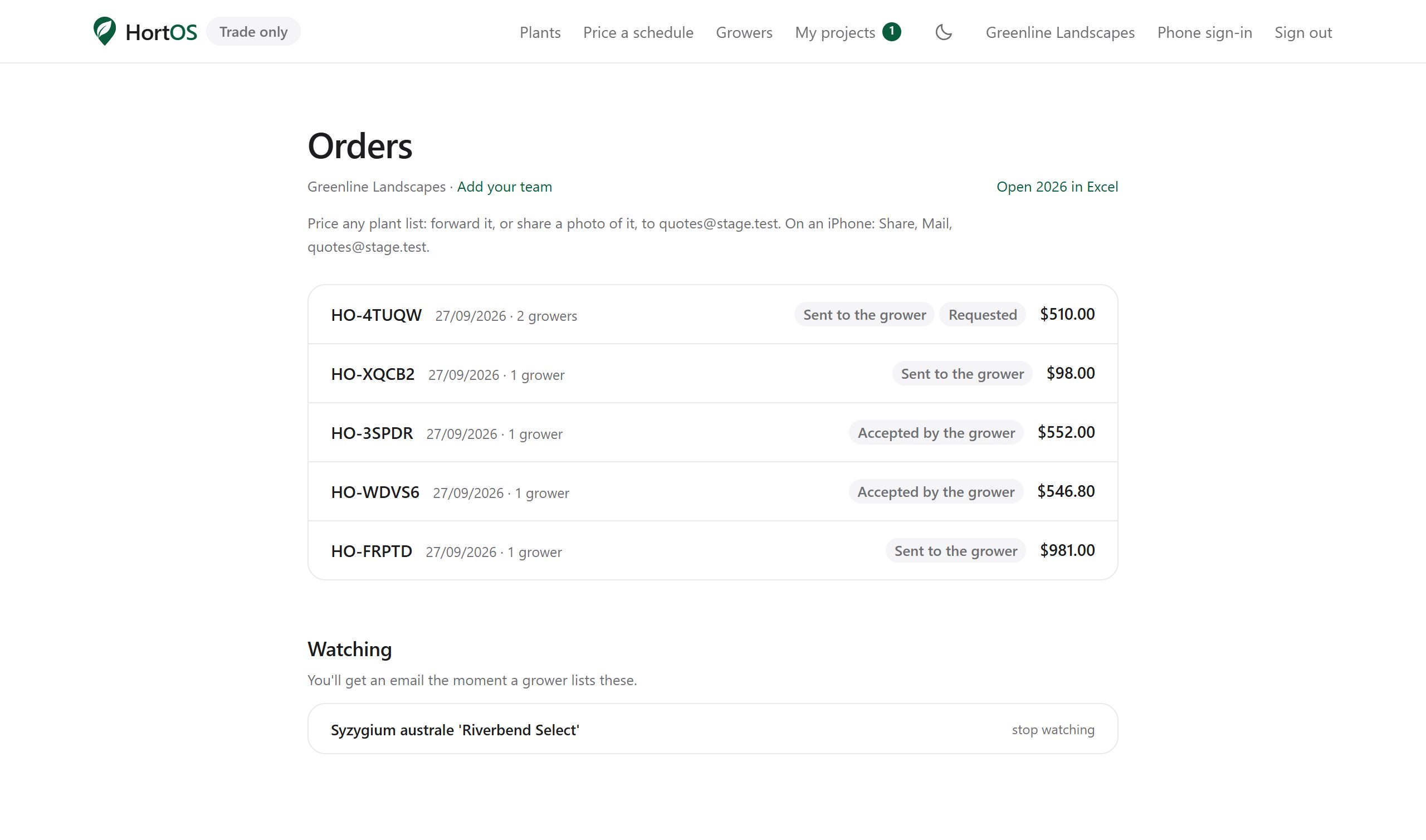
Track your order
Every order has a live page. You are also emailed at each stage, so if you have no update, there is no update yet.
4 steps · 2 min
Reading a plant page
One page per plant, every grower who has it, side by side.
4 steps · 2 min
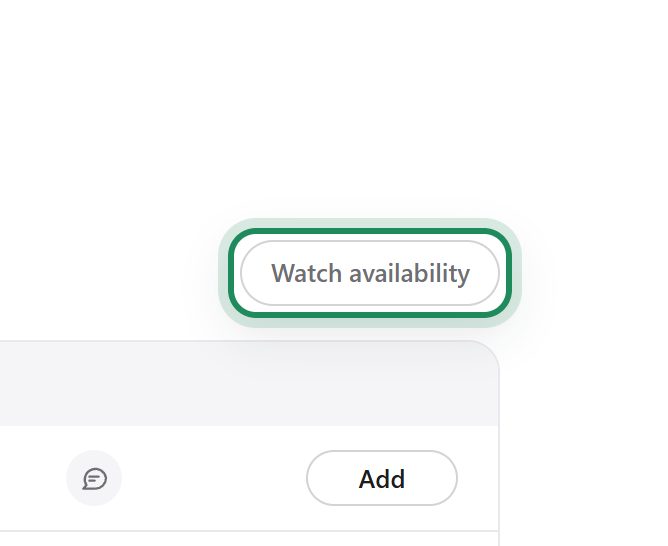
Get told when a plant becomes available
Out of stock, wrong size, no growers near you? Watch it and we email you when that changes.
3 steps · 1 min
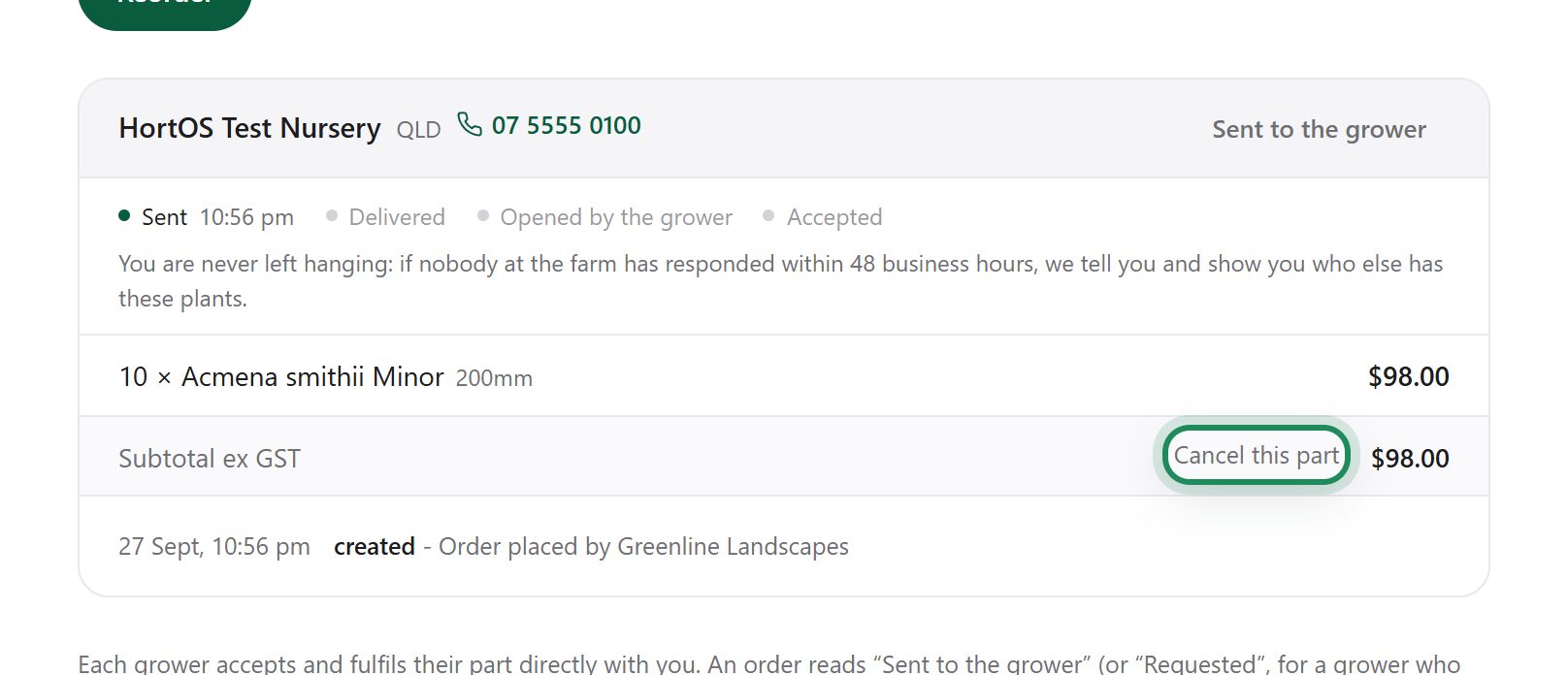
Cancel an order
You can cancel while an order is new or just confirmed. Once the farm has it ready, ring them instead.
3 steps · 1 min
Reorder a past order
Same job, same plants. Reorder pulls a past order back into a new project at current prices and availability.
3 steps · 1 min
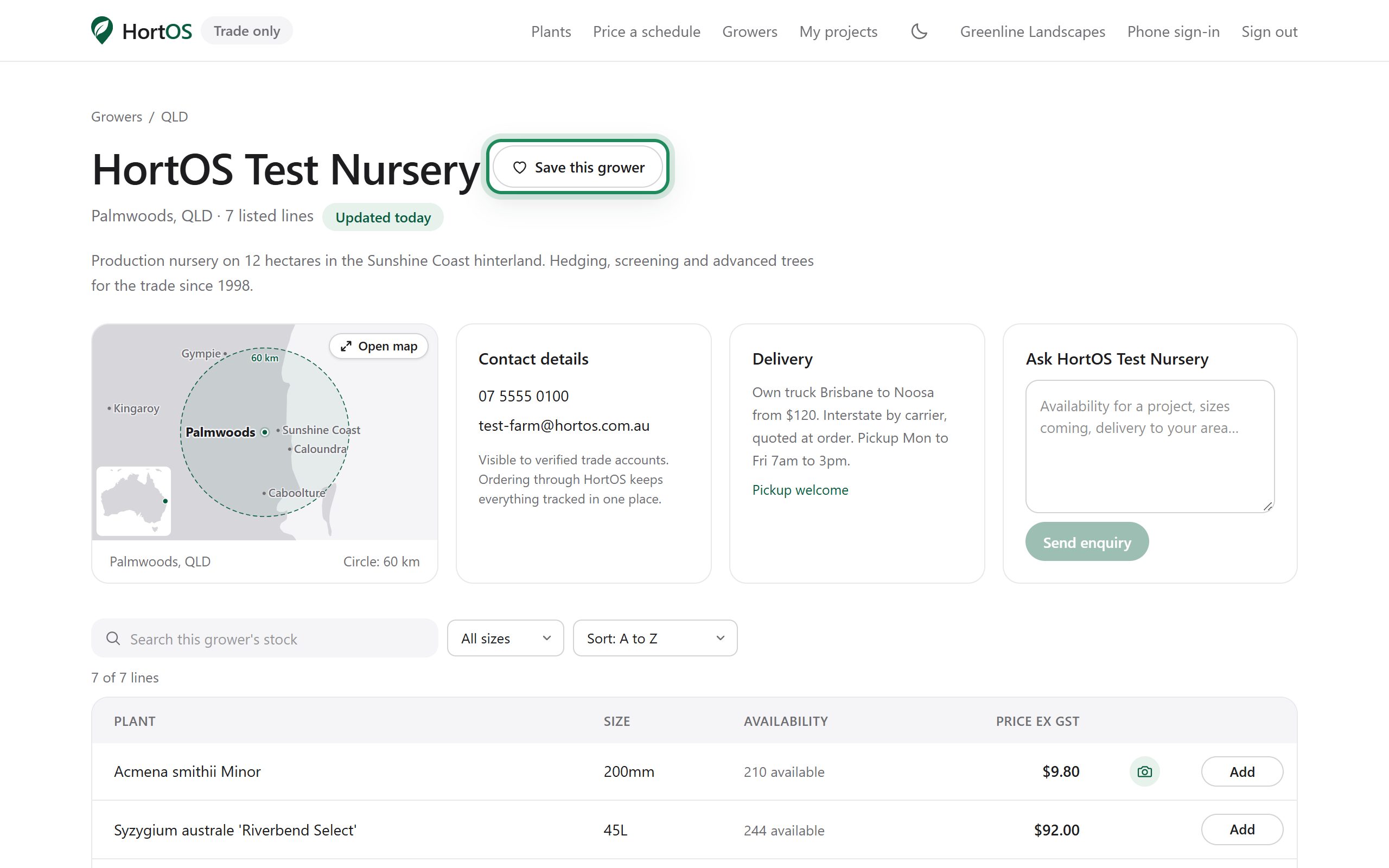
Save your growers
Found growers you like buying from? Save them and skip the search next time.
3 steps · 1 min
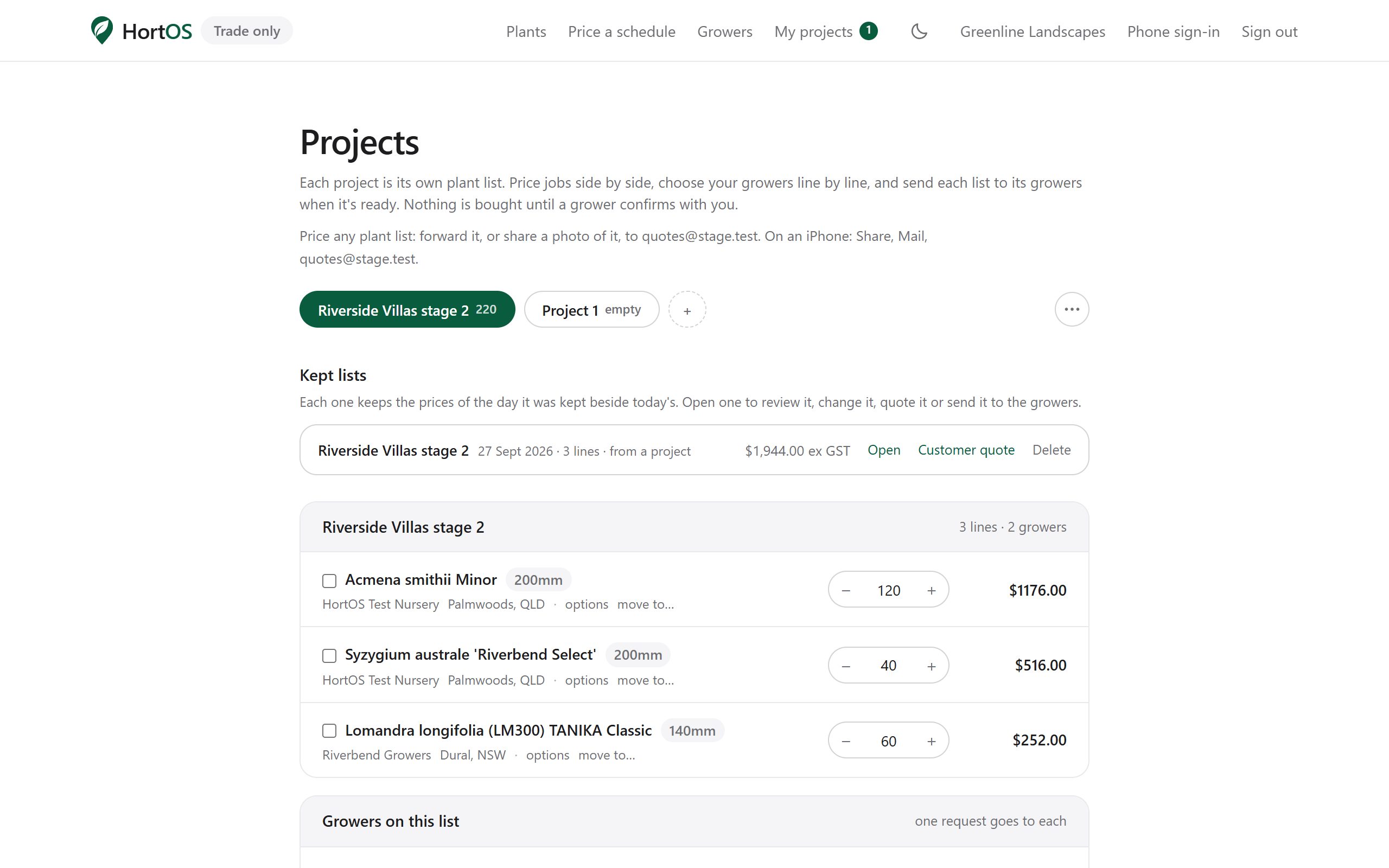
Share a project with a client or colleague
Send your priced plant list to anyone with one link. They see the list, not your account.
3 steps · 1 min
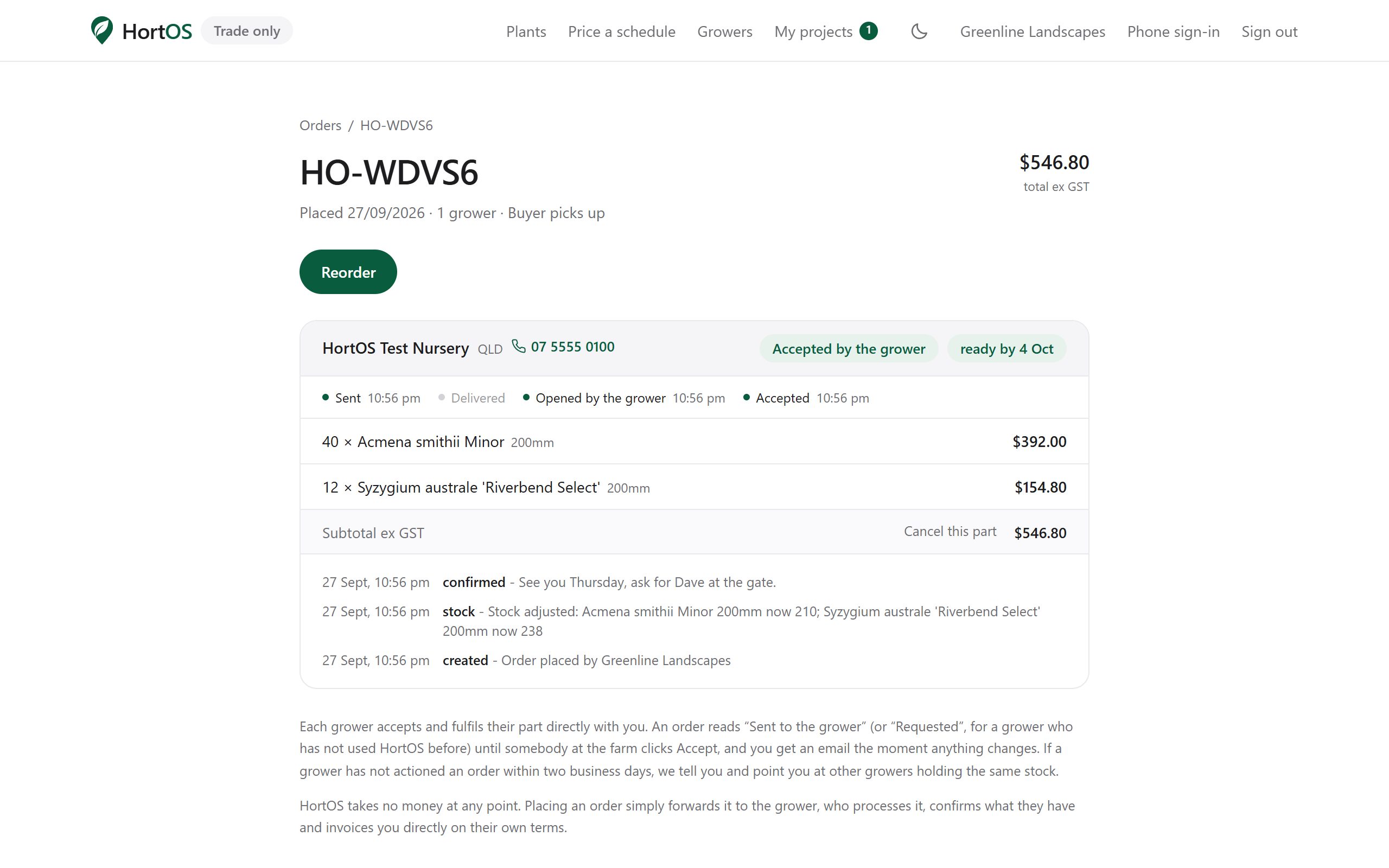
Find your tax invoices
Each farm invoices its part of your order. Every invoice is linked from the order page, always the current version.
3 steps · 1 min
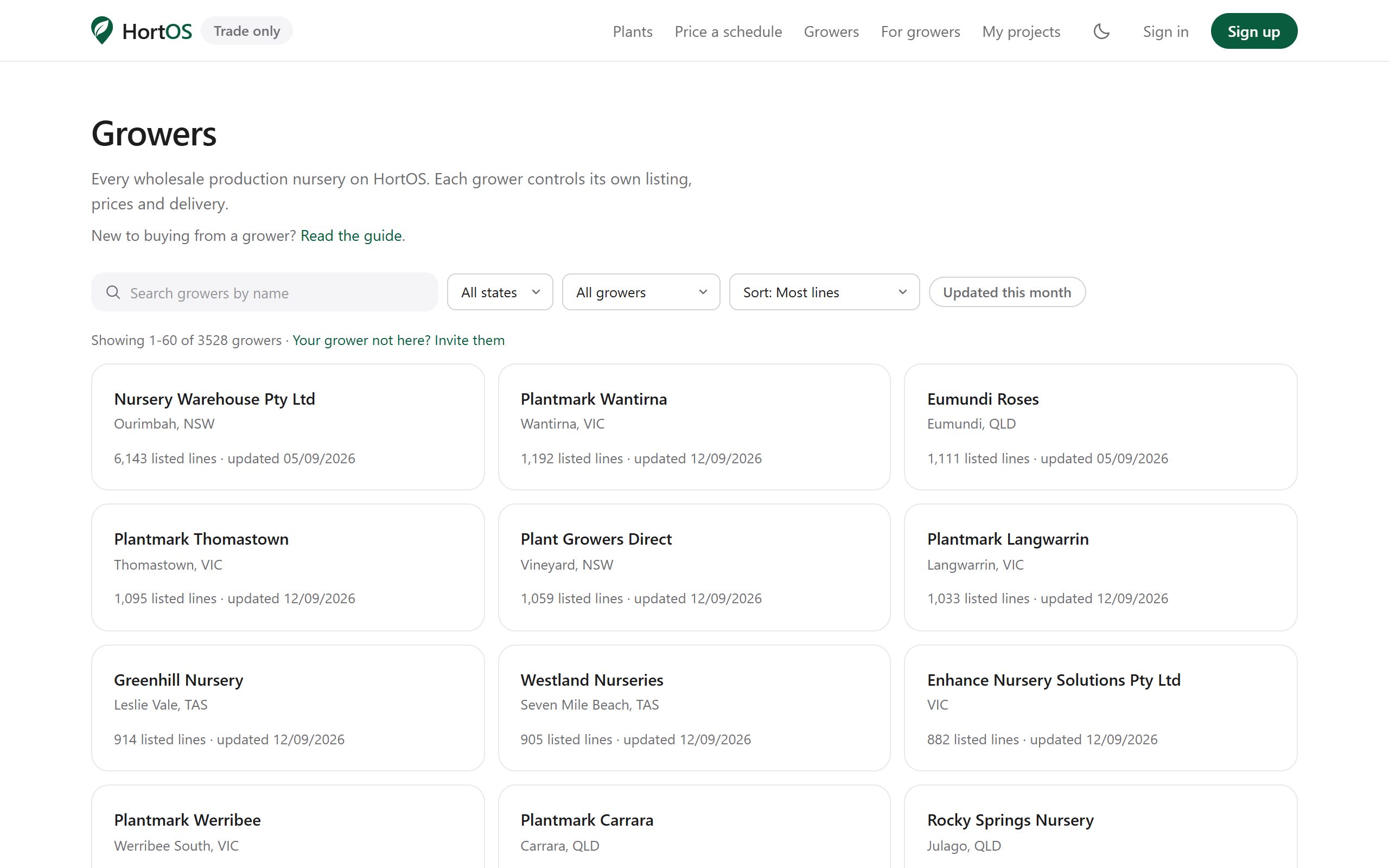
Grower pages and enquiries
Every grower has a public page: their full live list, their location, their delivery setup. Trade accounts can contact them directly.
3 steps · 2 min
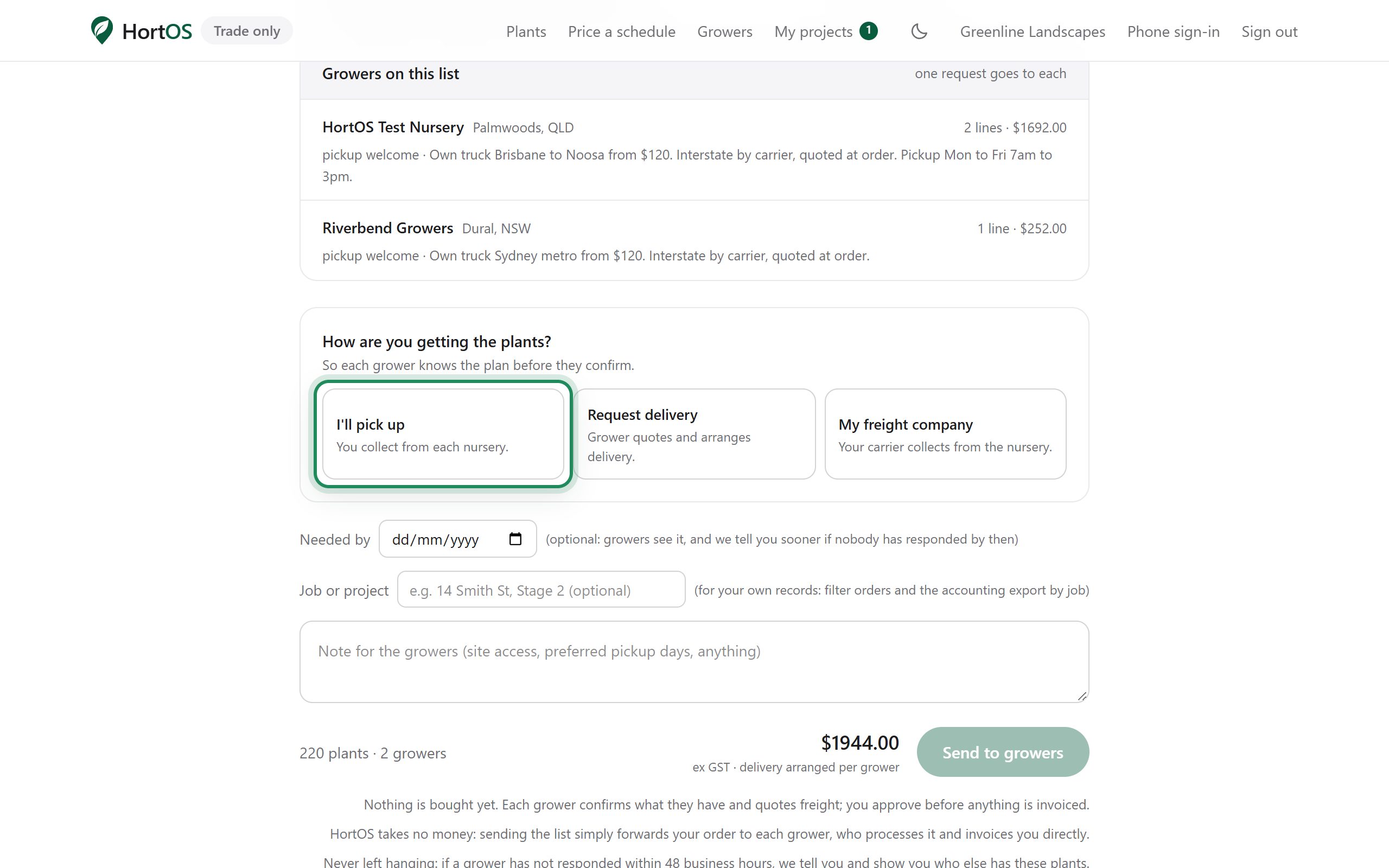
Pickup, delivery, or your own freight
You choose how each order gets to you. The grower plans around your choice.
4 steps · 1 min