Update your stocklist from the list you already keep
Do not retype anything. Upload the file you already keep, or paste your list as plain text. HortOS reads it, matches it to plants, and shows you a preview before anything changes.
4 steps · about 3 min
- 1
Open your farm dashboard and click Upload a new list.
- 2
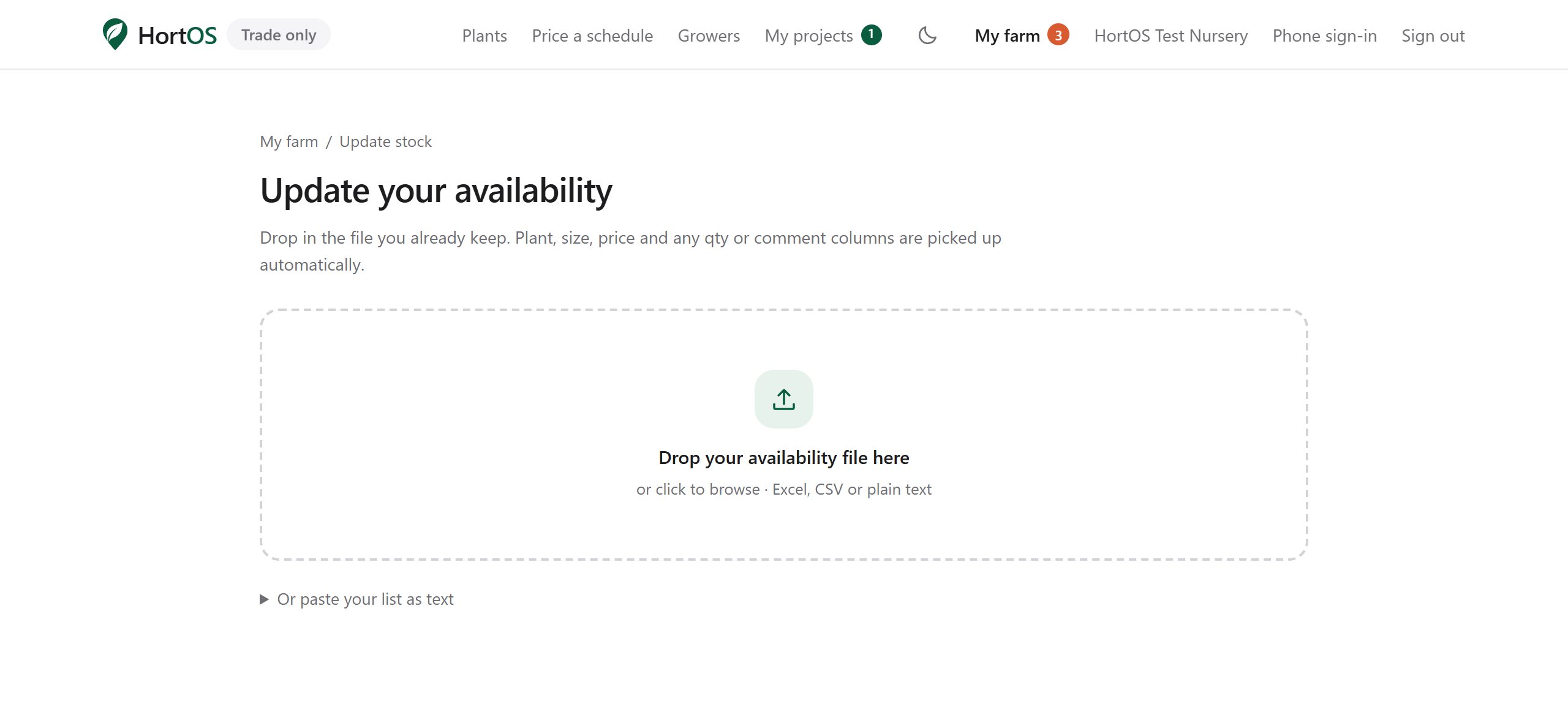
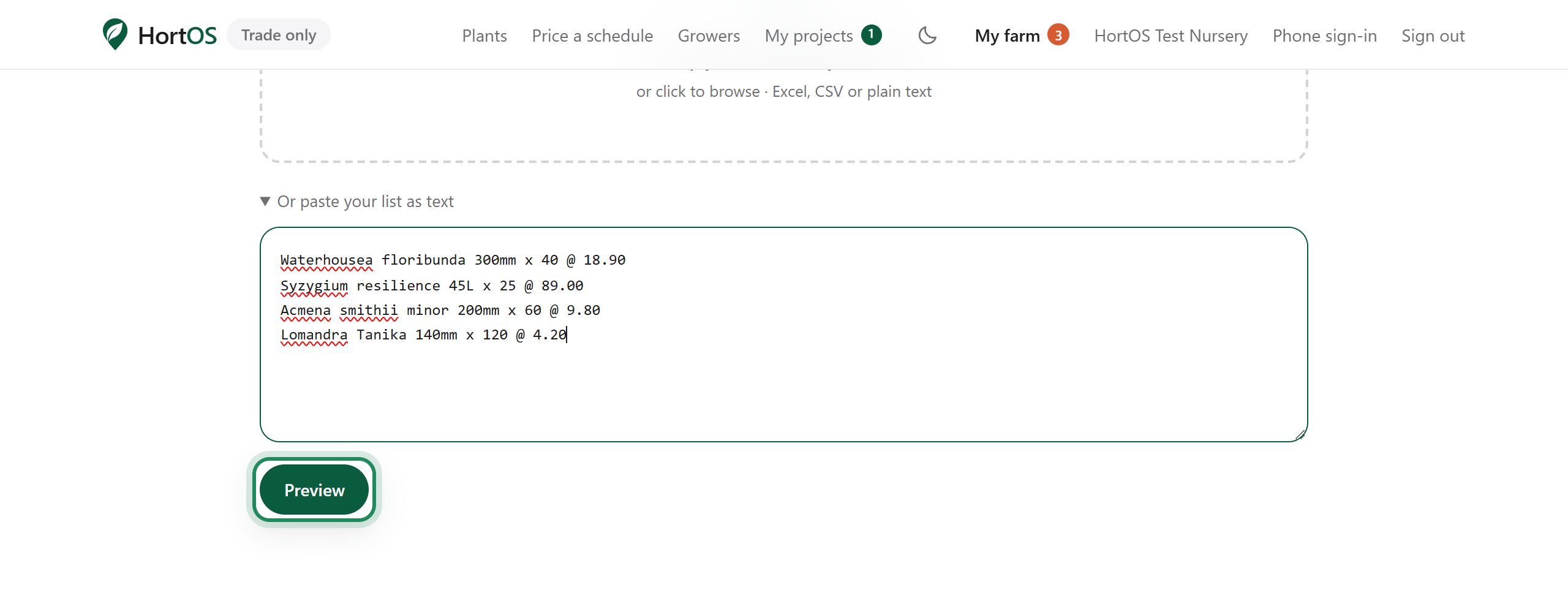
Drop in your Excel, CSV or PDF file. Or click paste your list as text and type lines like: Waterhousea floribunda 300mm x 40 @ 18.90.
- 3
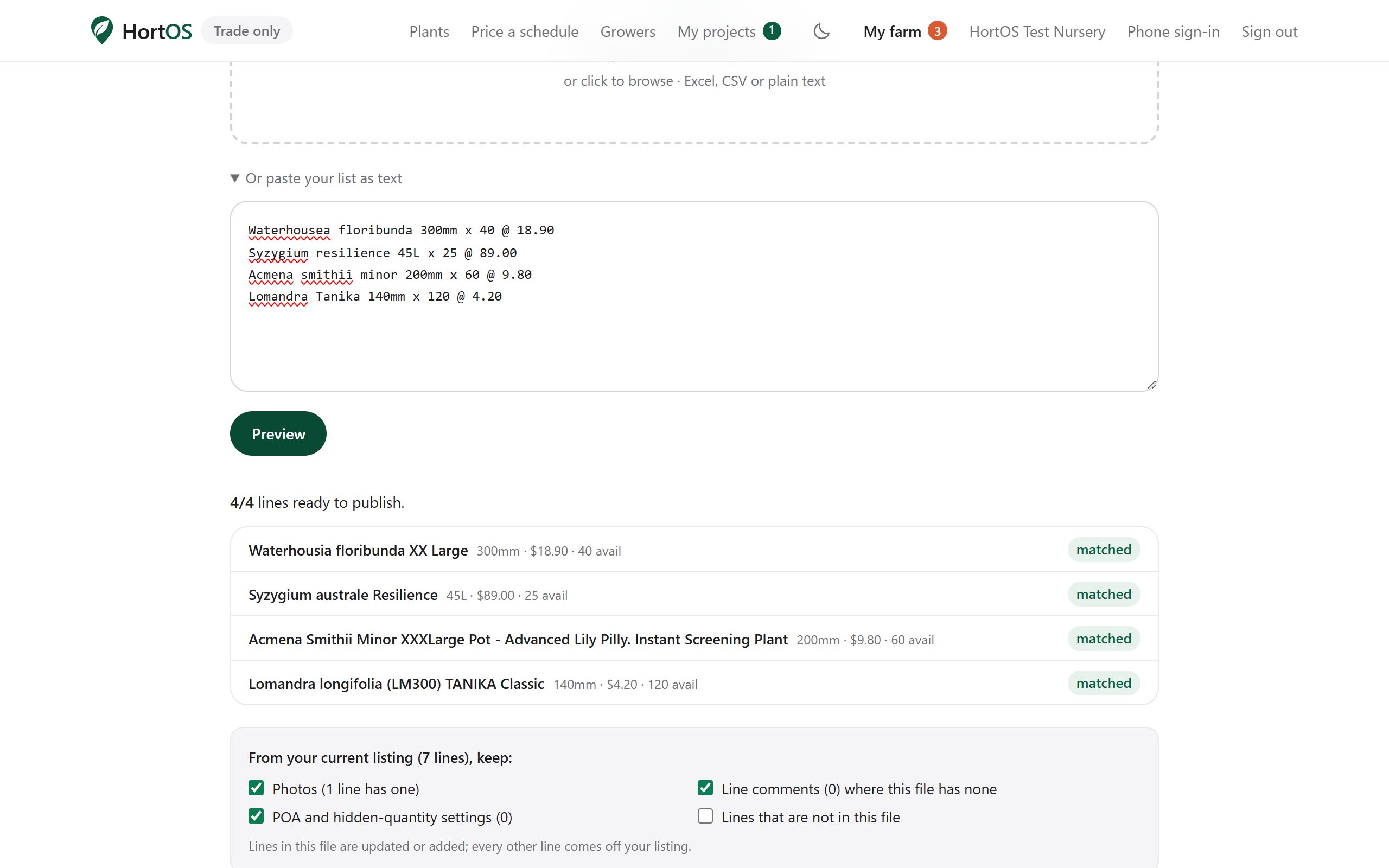
Click Preview. Every line is matched against the plant database. Green means matched. Anything unclear is flagged for you to confirm.
- 4
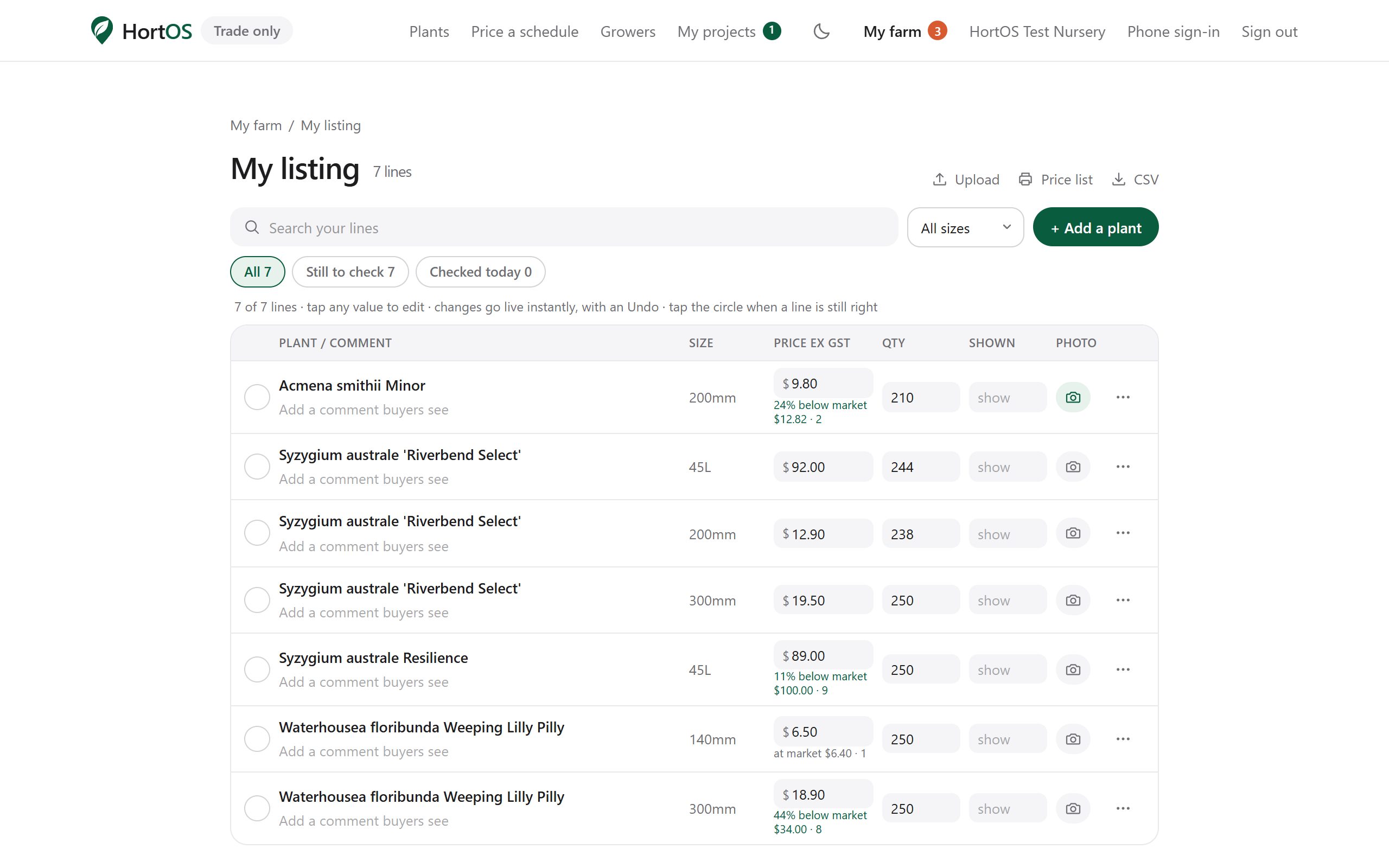
Apply it. Your listing updates in one go and buyers see the new stock immediately.
Stuck? Email team@hortosapp.com and we will sort it out, or set it up for you.