Change a price or quantity in seconds
Sold a batch? Price moved? Fix one line without touching the rest.
4 steps · about 2 min
- 1
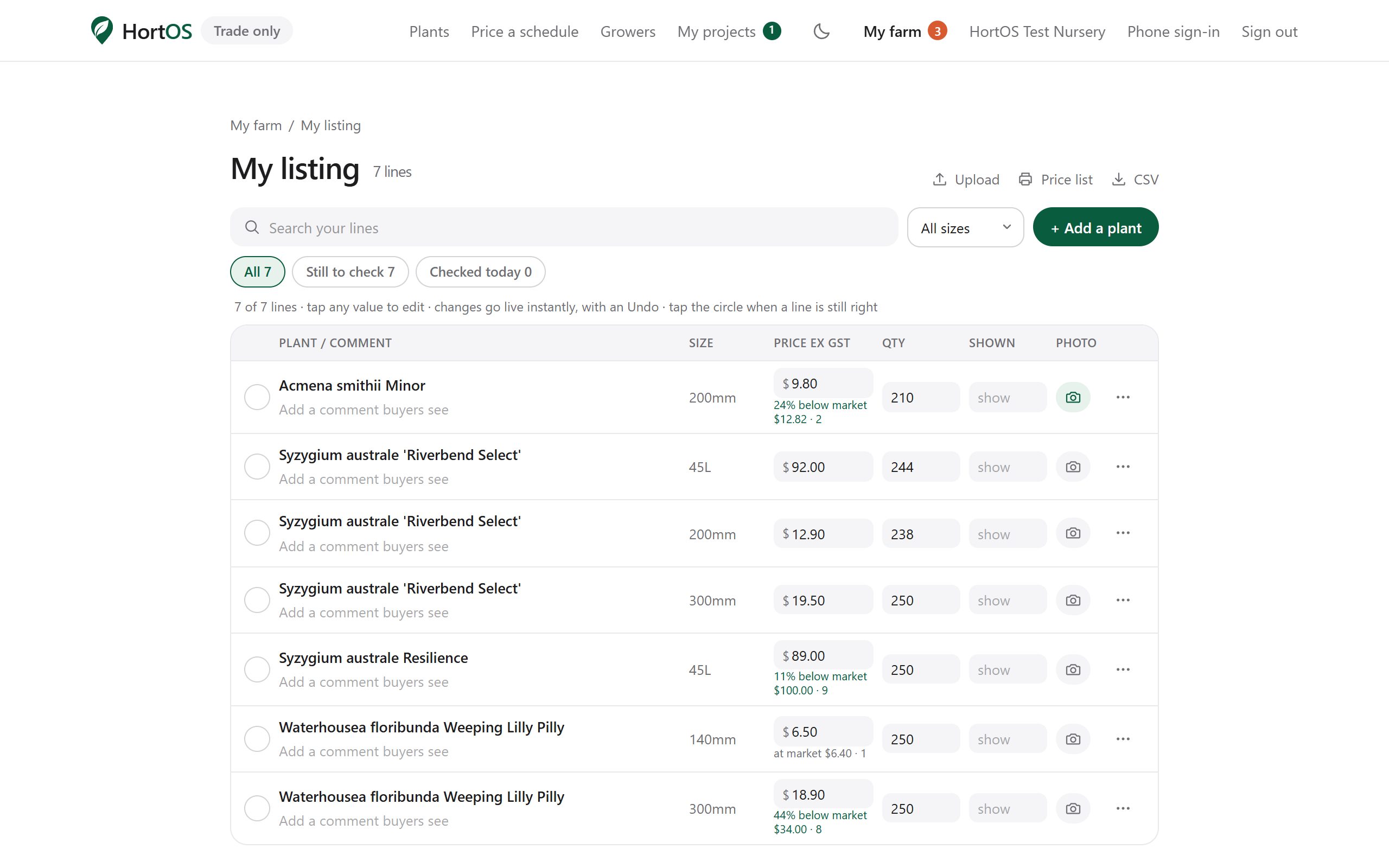
Open Edit my list from your farm dashboard. Every line you have is here.
- 2
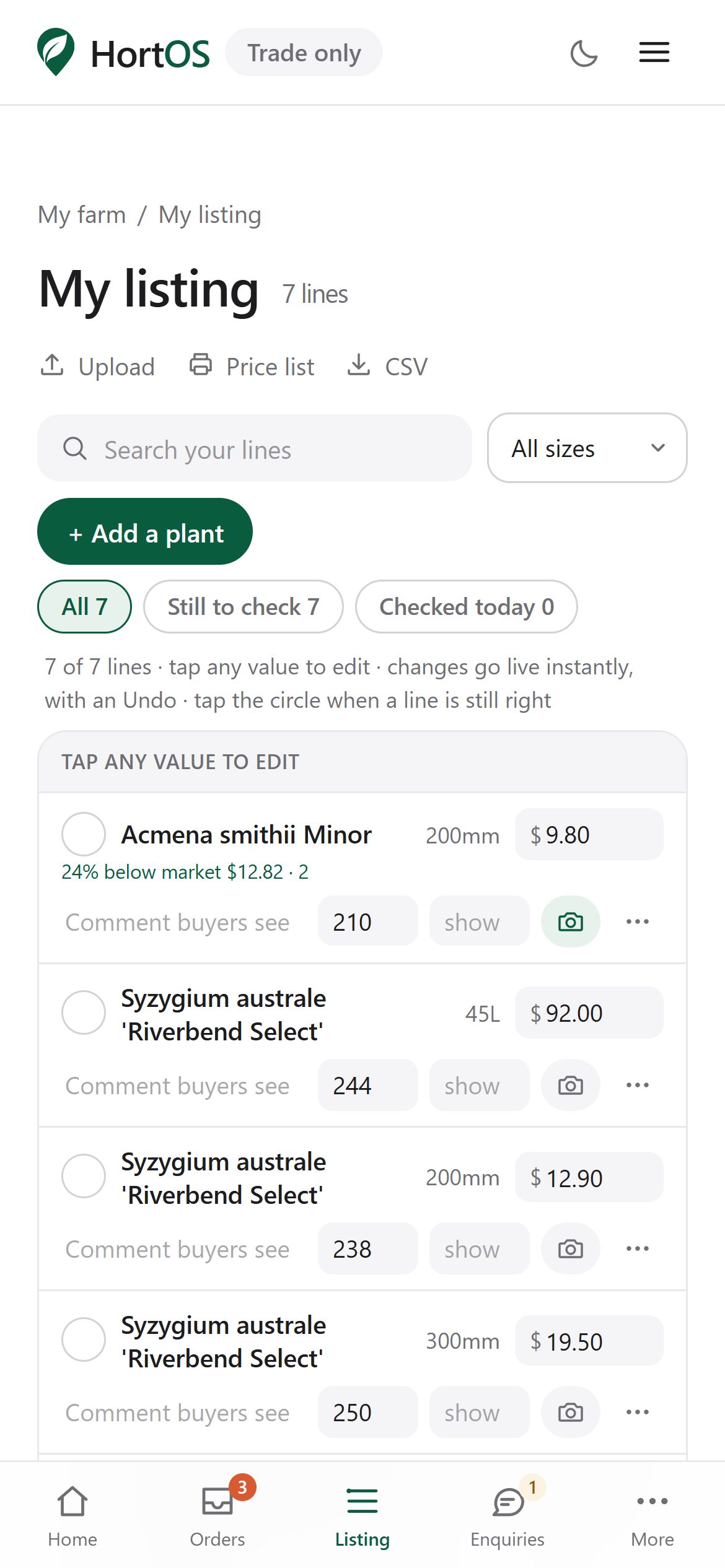
Click into any price or quantity and type the new number. Changes save as you go.
- 3
Sold out of something? Set the quantity to zero and it shows as unavailable to buyers.
- 4
Use Add to put a new line on, or Remove to take one off. Every edit stamps your listing as fresh, which buyers can see.
Stuck? Email team@hortosapp.com and we will sort it out, or set it up for you.