Handle an order from your inbox
Orders come to you by email. You can accept and manage the whole order from the email link. No login needed.
5 steps · about 2 min
- 1
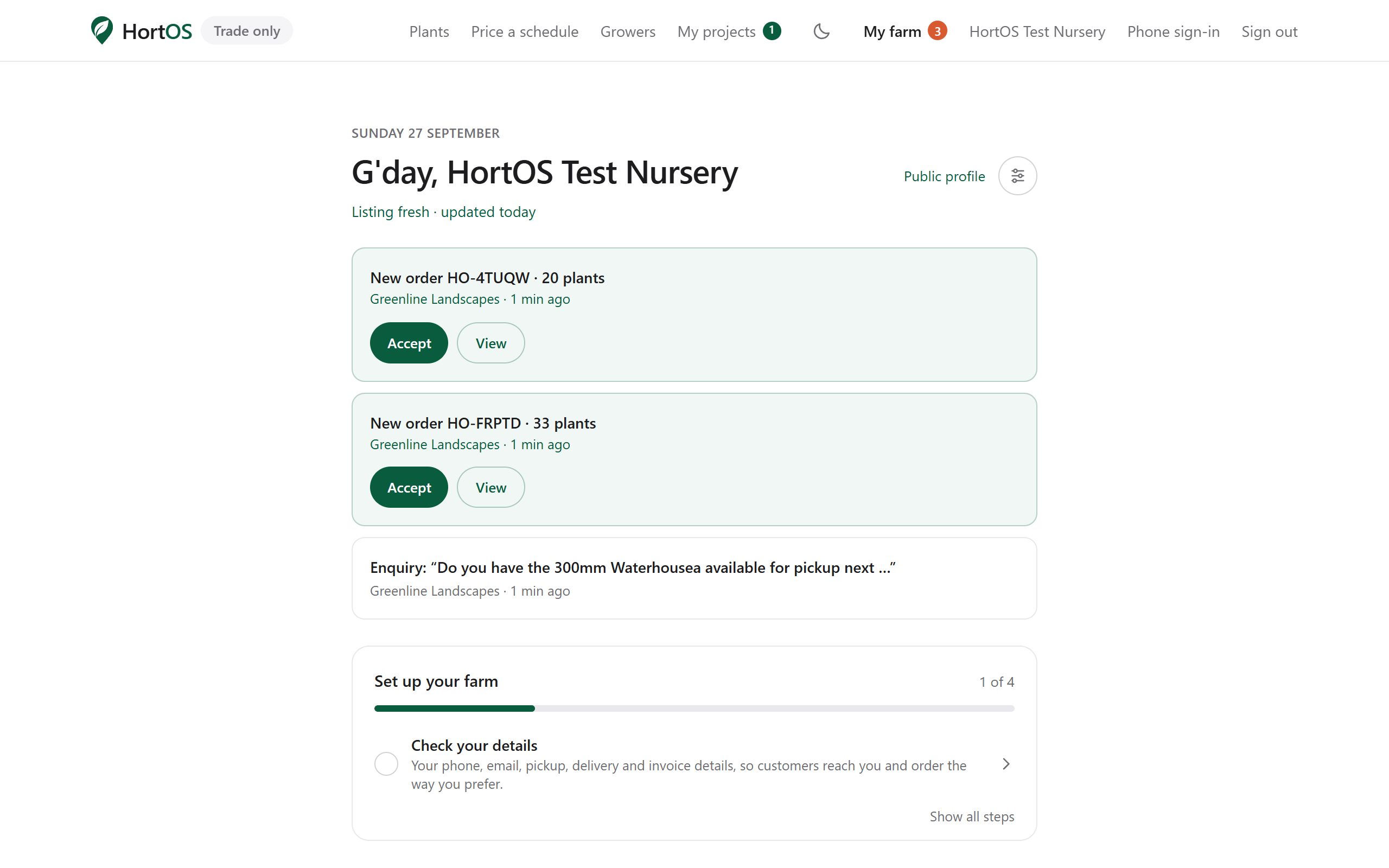
A new order lands in your inbox and on your dashboard. Open either.
- 2
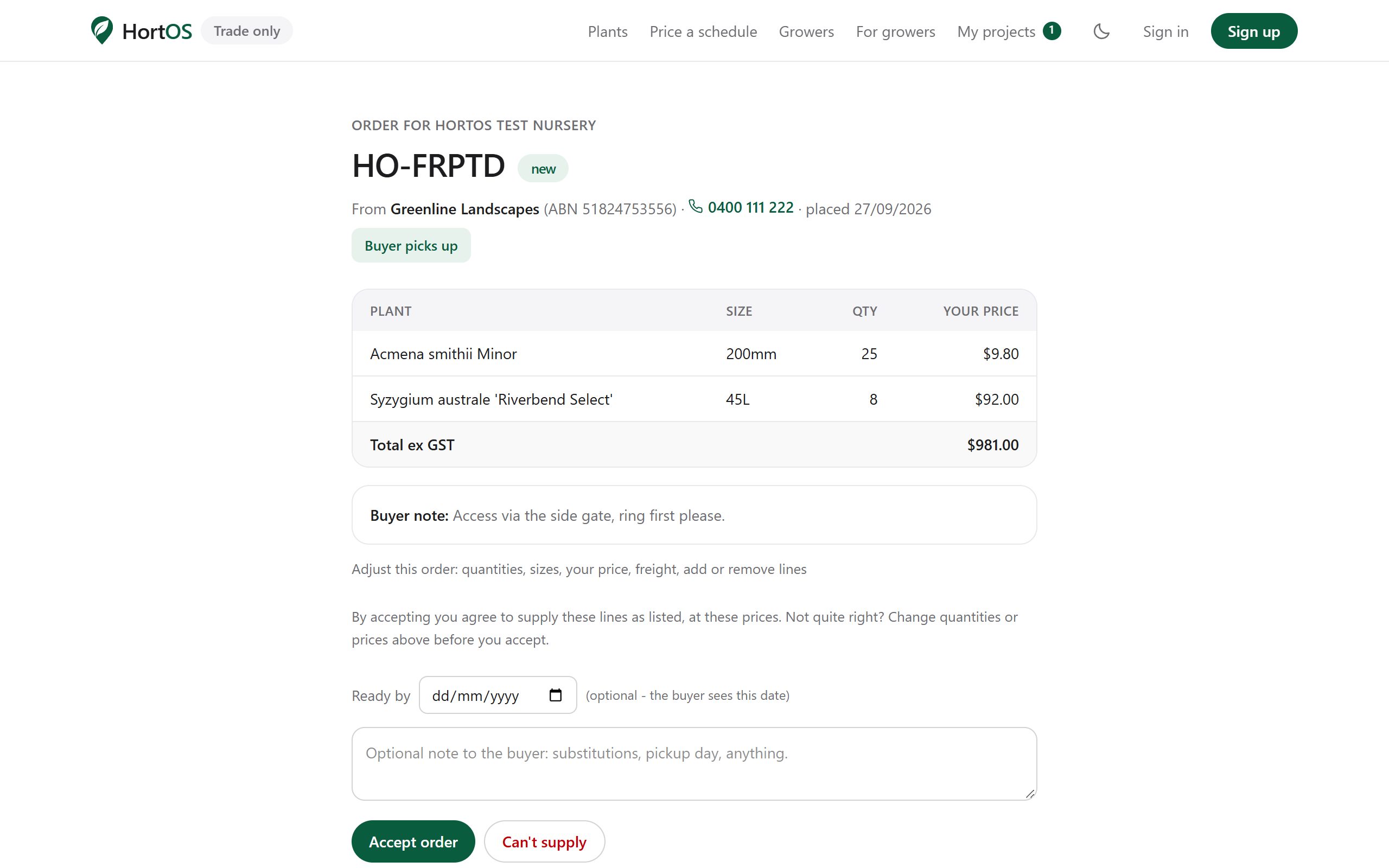
The order page shows the buyer, every line, quantities, your prices and the buyer's note.
- 3
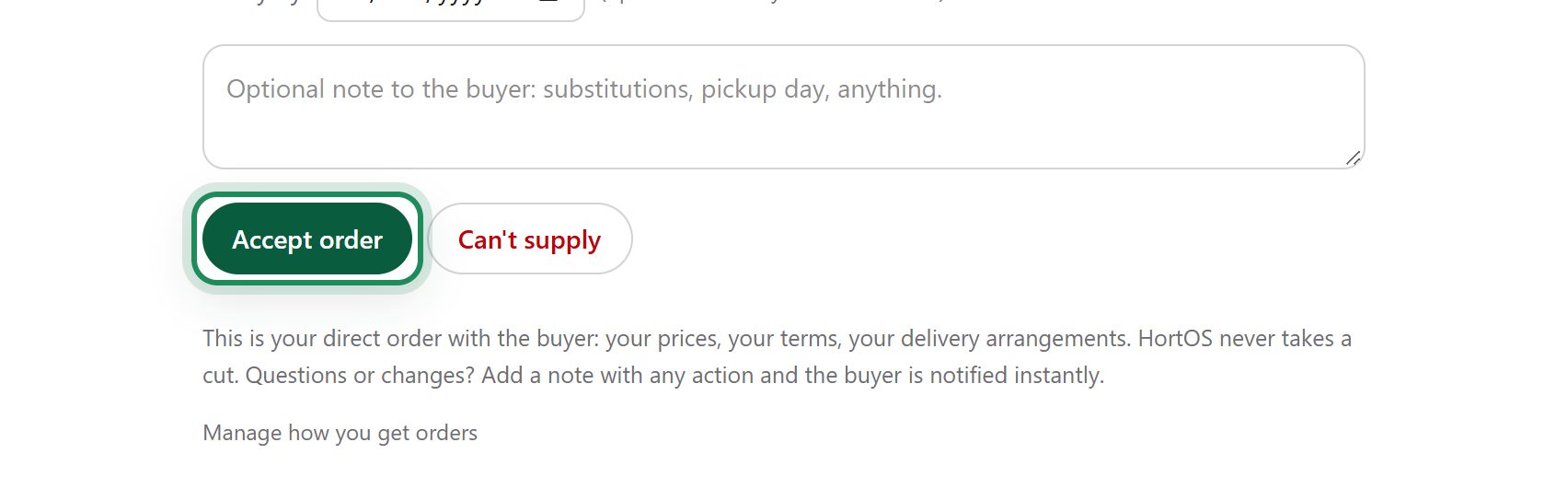
Click Accept order. The buyer is emailed automatically.
- 4
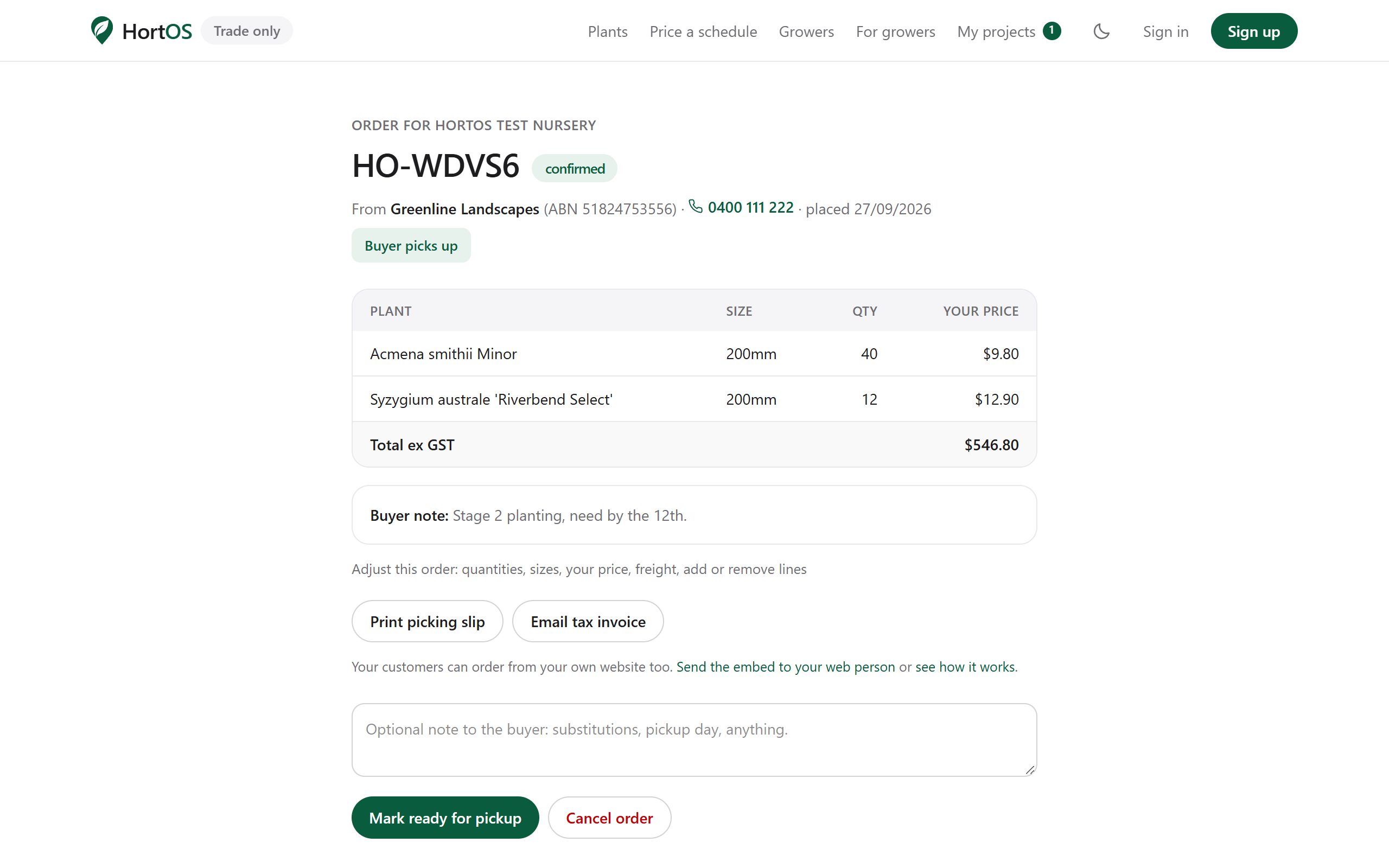
The order is now confirmed. From this same page you can print the picking slip, issue the invoice, amend lines, or mark it ready.
- 5
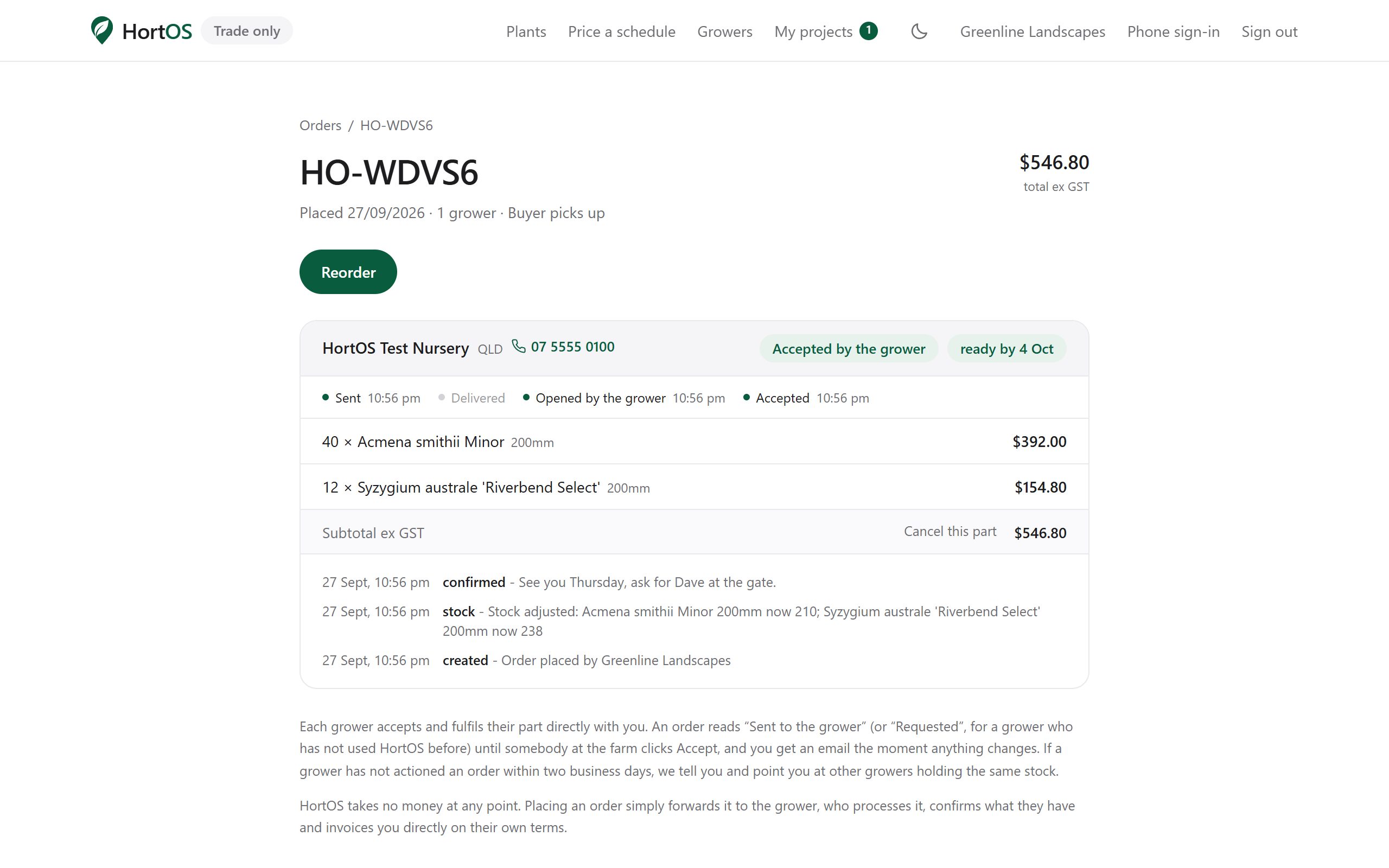
The buyer watches the same progress on their side. You never have to send a status email.
Stuck? Email team@hortosapp.com and we will sort it out, or set it up for you.