Sign in without a password
There are no passwords on HortOS. You enter your email, we send you a link, you click it. You stay signed in on that device for over a year.
4 steps · about 1 min
- 1
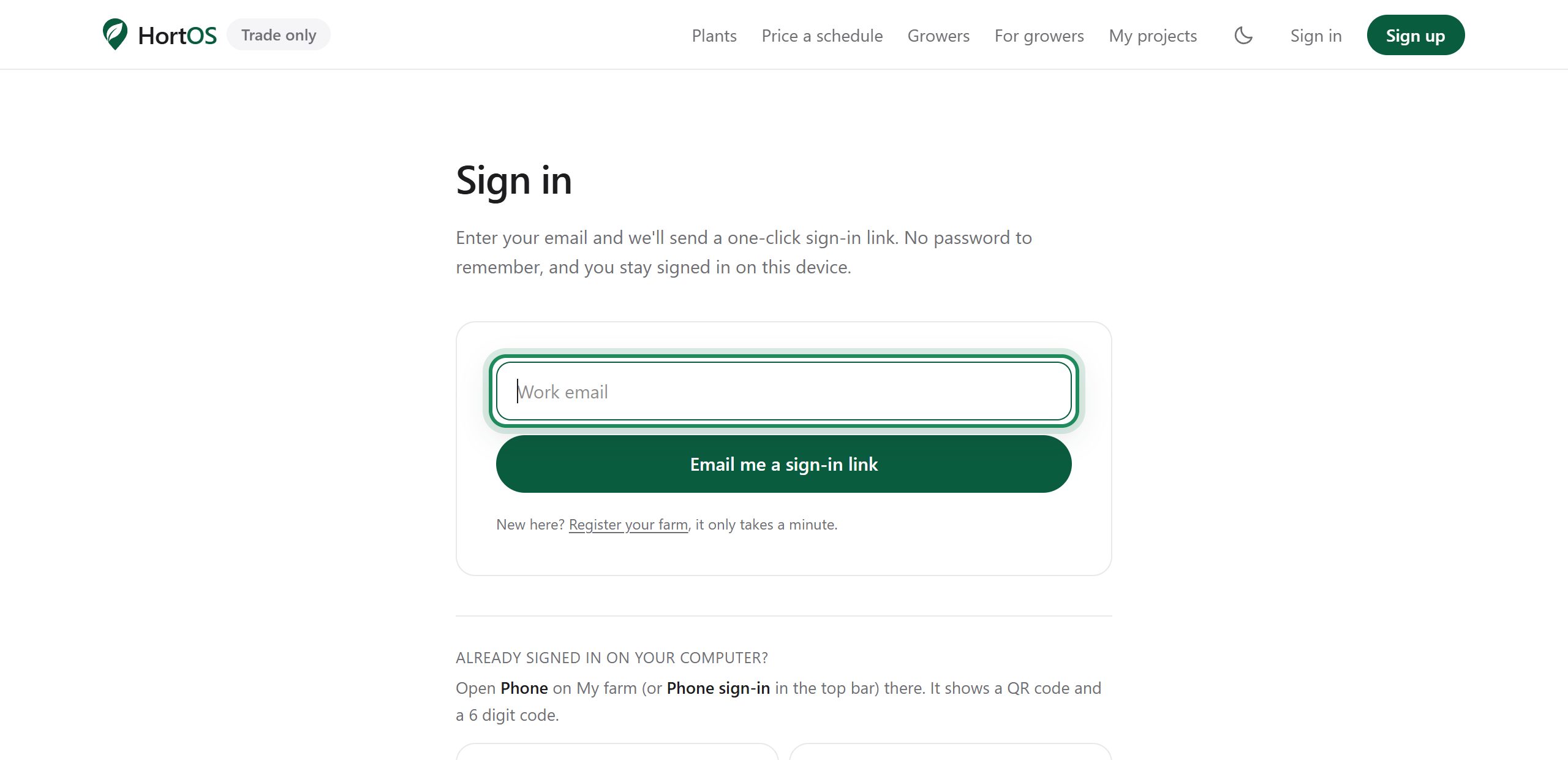
Click Sign in and enter the email you claimed your farm with.
- 2
Open your inbox and click the sign in link. It works for 30 minutes.
- 3
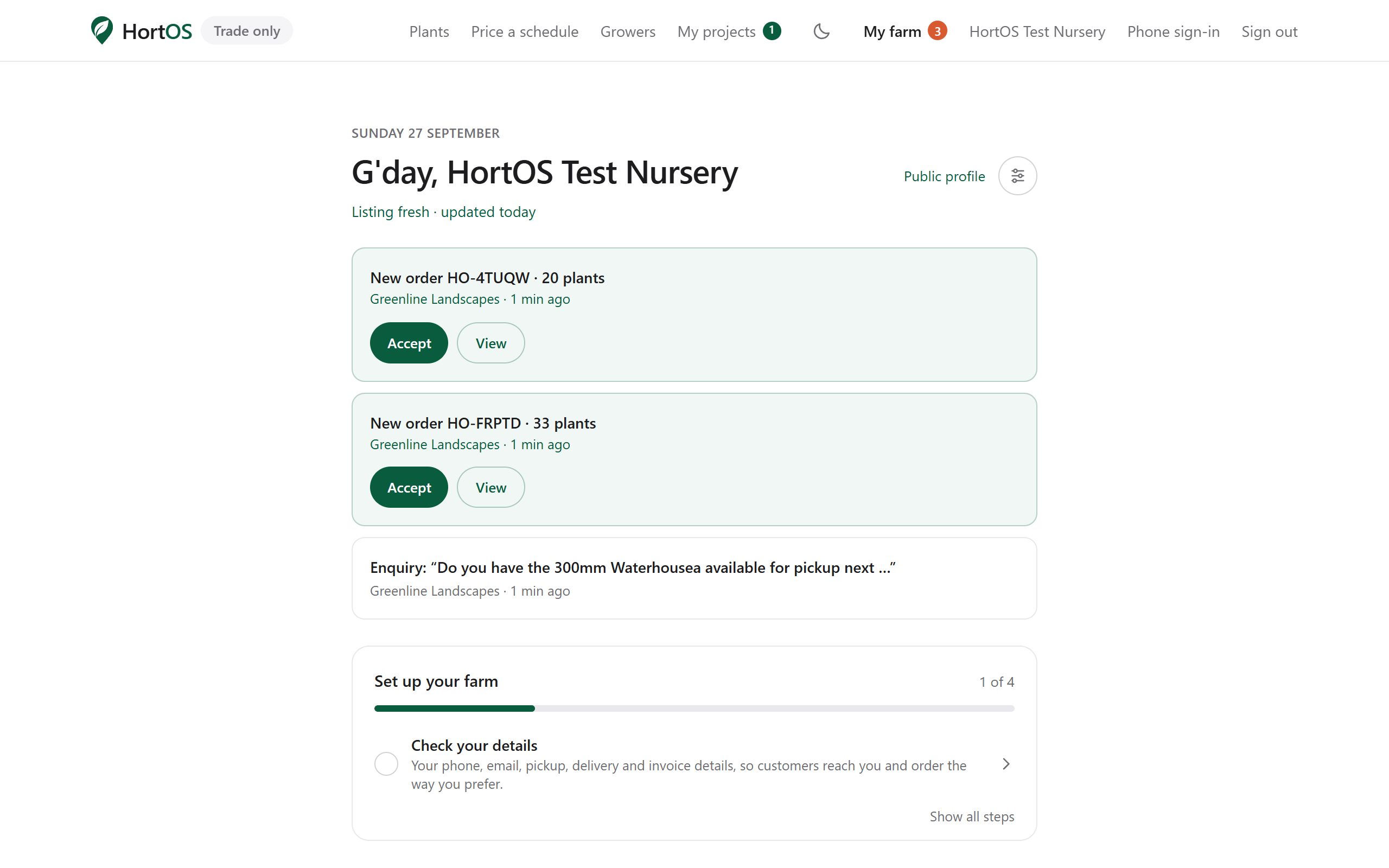
You are in. You will not need to do this again on this device for a long time.
- 4
New phone or computer? Same two steps. Nothing to remember, nothing to reset.
Stuck? Email team@hortosapp.com and we will sort it out, or set it up for you.