Send your stock list to your own customers
Your stock list, emailed to your own customers under your name, built from what is on your page. Every line can be ordered and replies come to you.
6 steps · about 3 min
- 1
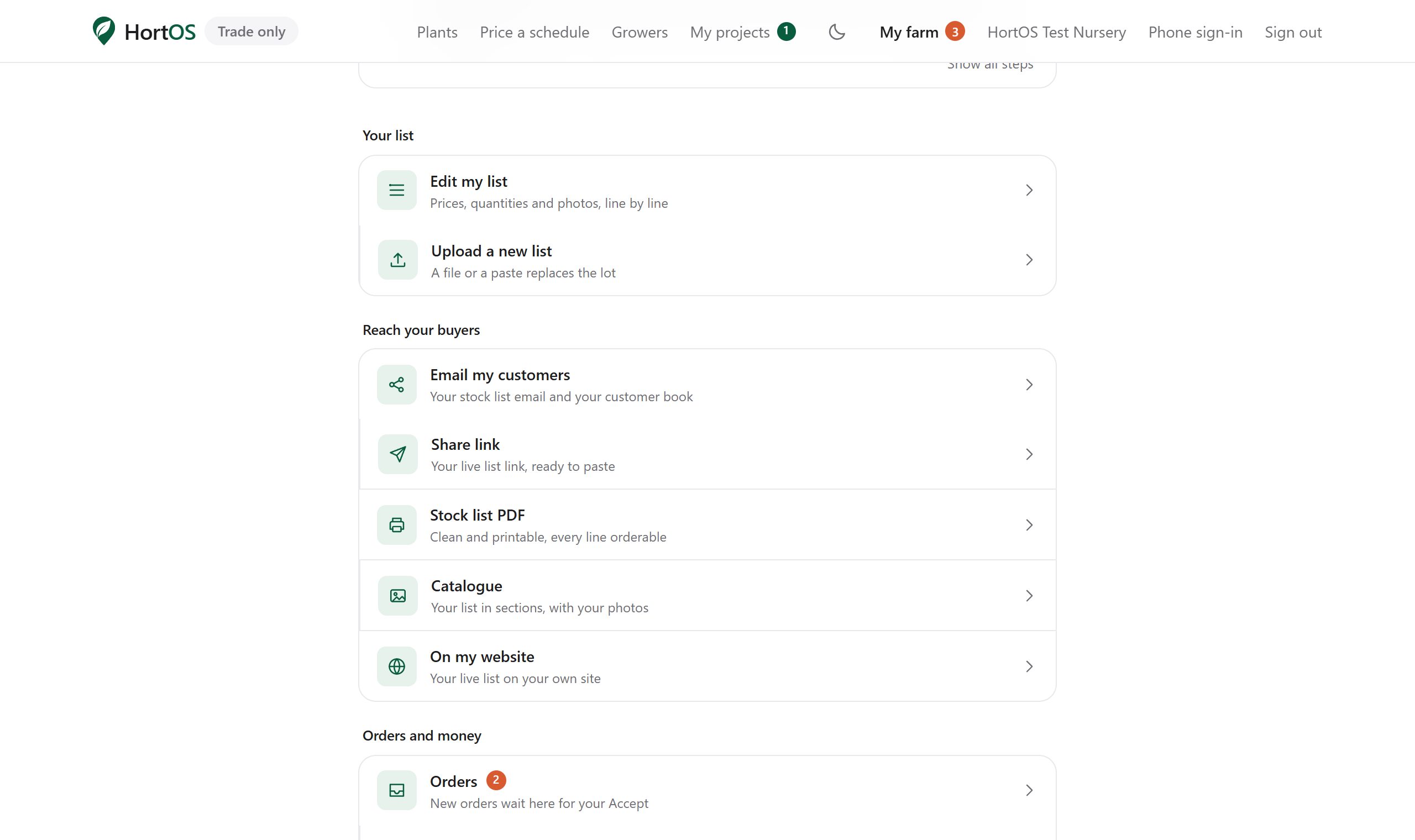
On your farm dashboard, open Email my customers under Reach your buyers.
- 2
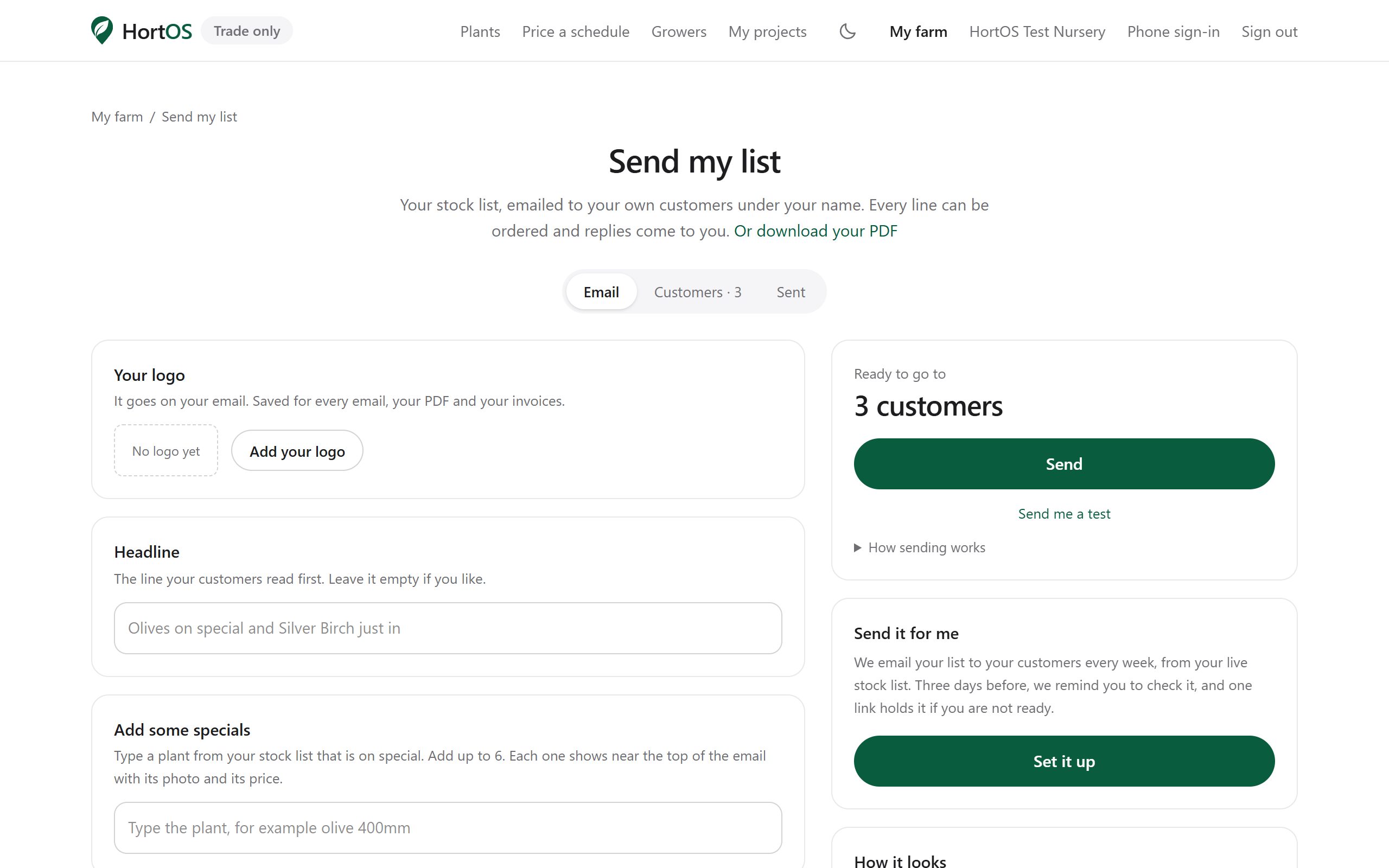
The email is already built from your list: a headline written from what changed, your lines, your delivery notes and your logo. Change any of it, or leave it.
- 3
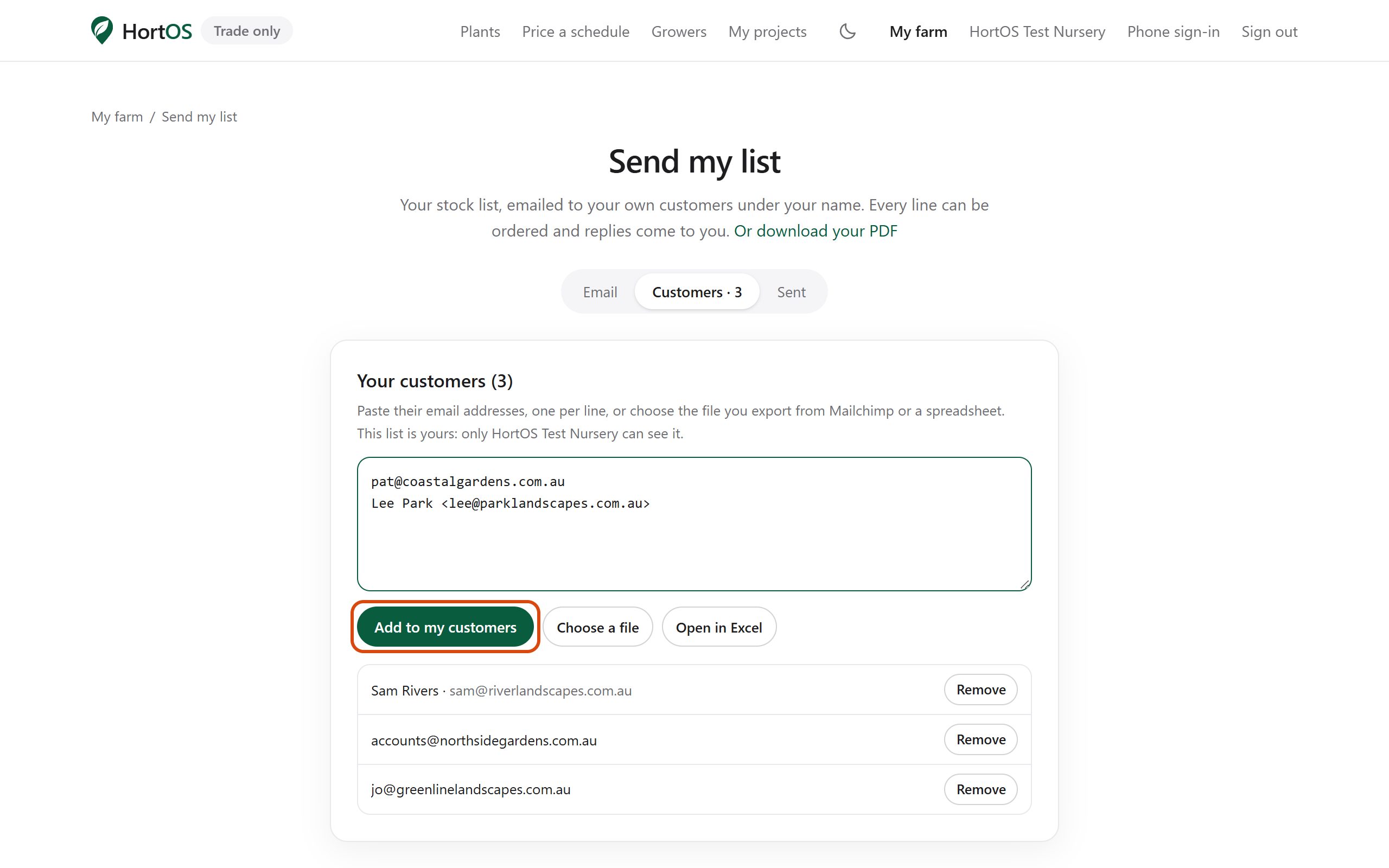
Open Add your customers. Paste their email addresses, one a line (Name <email> works too), or choose the file your mail program or Mailchimp exports. Press Add to my customers.
- 4
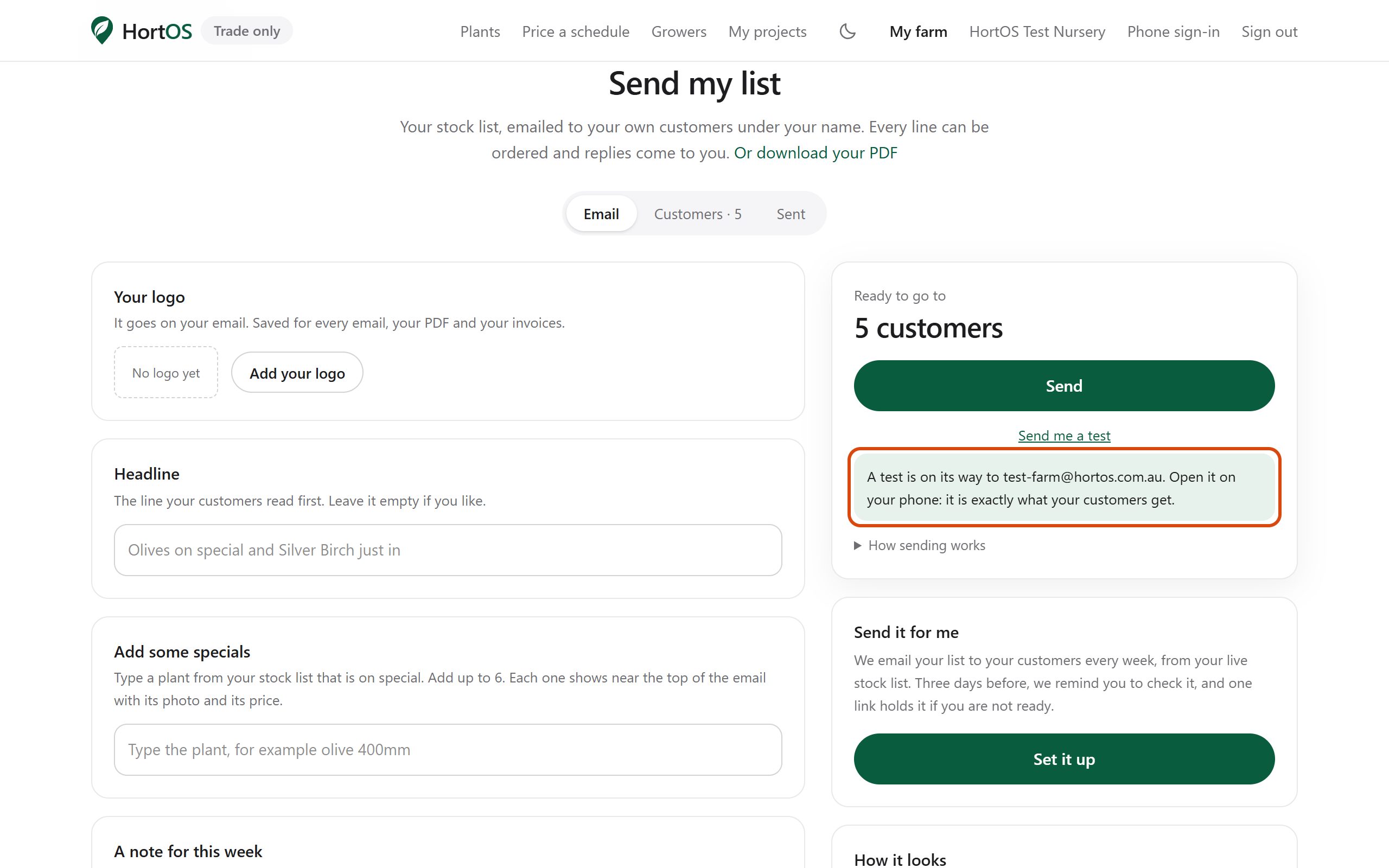
Press Send me a test. The real email lands in your own inbox, so you read it before anyone else does.
- 5
Press Send, then Send now. One list email a day at most. Anyone who orders from it becomes your customer on HortOS, and every reply comes to your own inbox.
- 6
After your first send, Send it for me on the same page sends it on the day you pick each week, from whatever your list says that morning.