Give your team their own logins
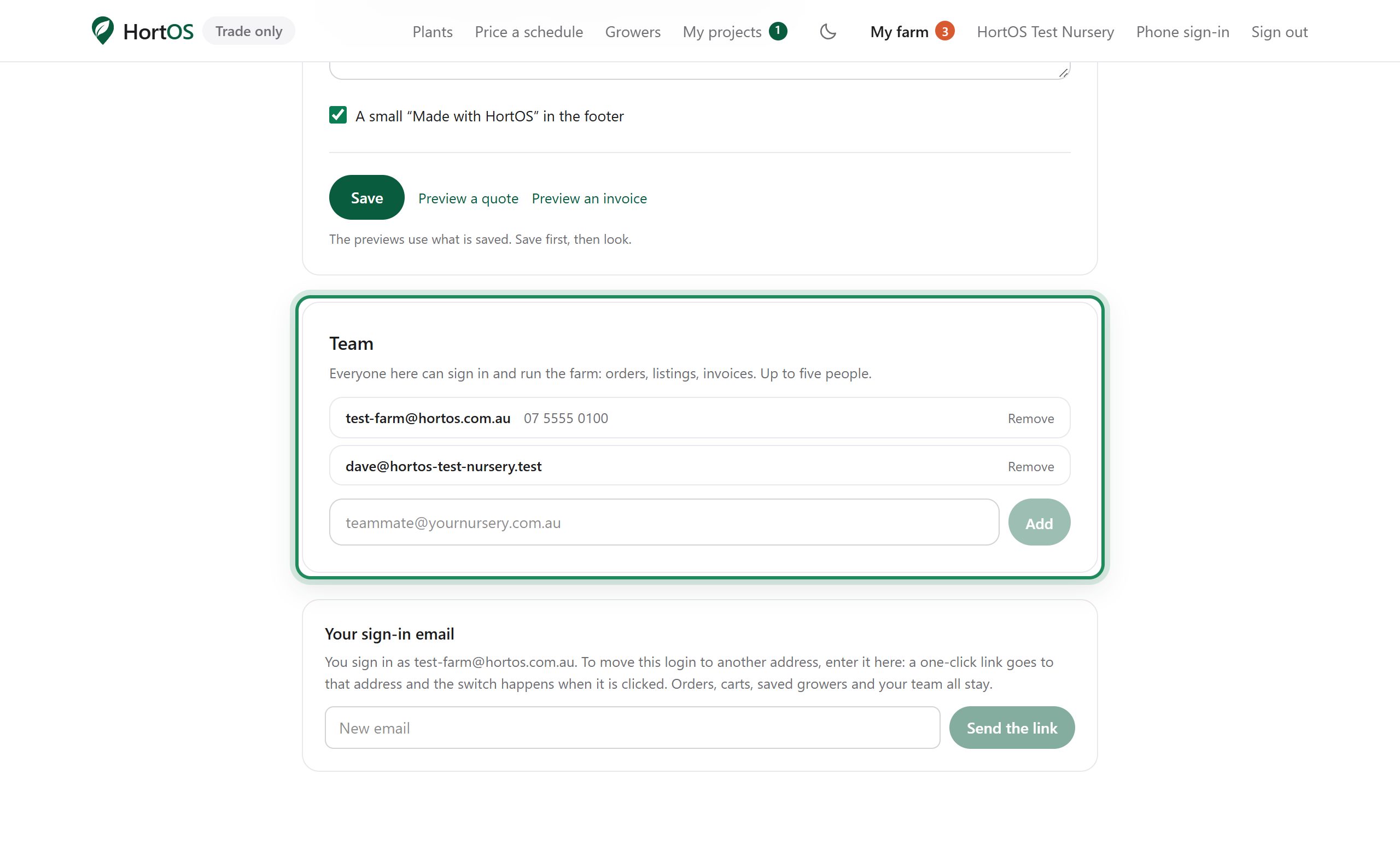
Up to five people can run the farm account. Everyone signs in with their own email. No shared passwords, because there are no passwords.
4 steps · about 1 min
- 1
Open Settings, the gear at the top right of your dashboard, and find the Team section.
- 2
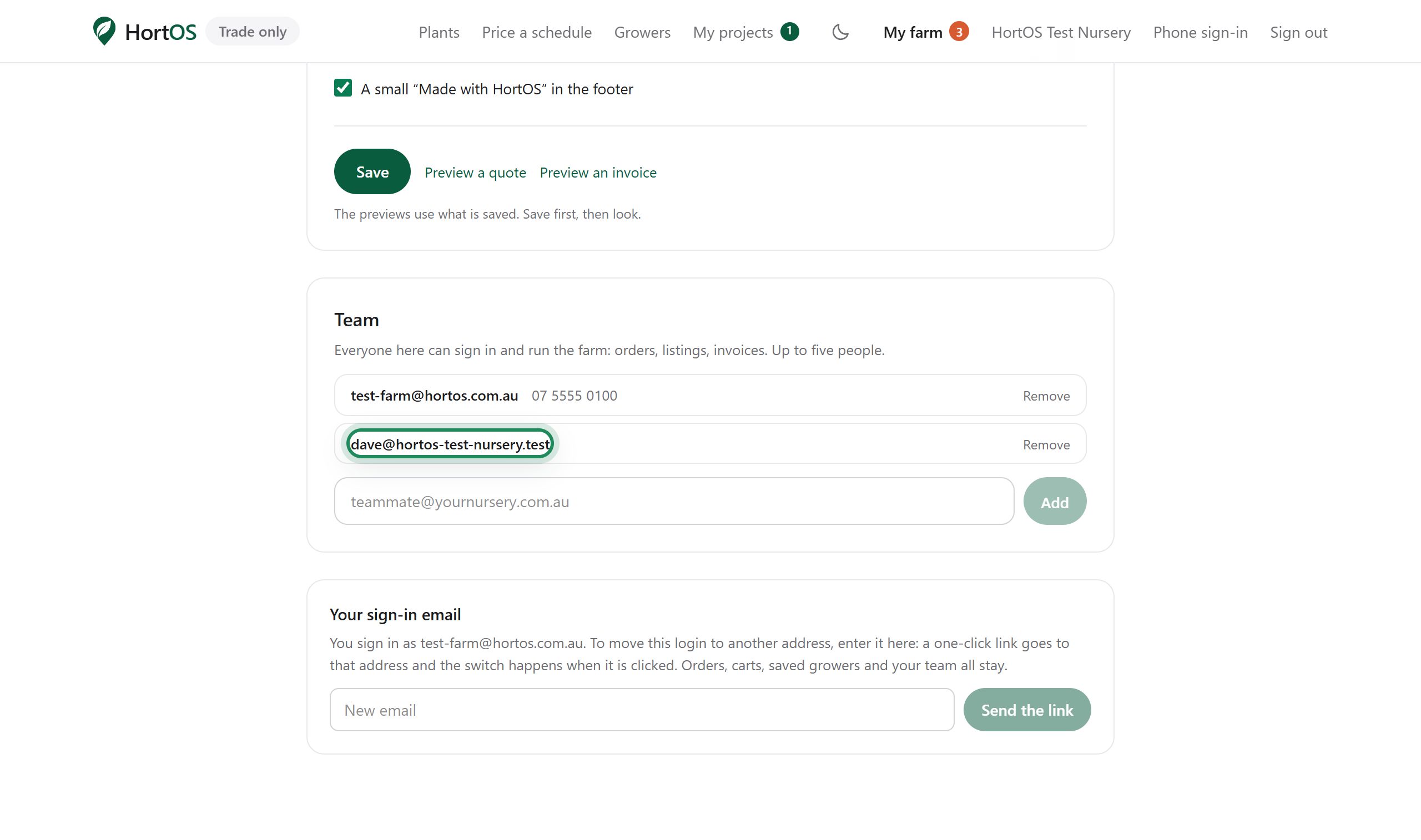
Enter a team member's email and add them.
- 3
They sign in with their own email and see the same farm: orders, listing, invoices, everything.
- 4
Someone leaves? Remove them from the same screen. Their access stops immediately.
Stuck? Email team@hortosapp.com and we will sort it out, or set it up for you.