Share your stocklist with your own buyers
Your listing has a live link you can send to anyone. It always shows current stock, so you never email an out of date PDF again.
4 steps · about 2 min
- 1
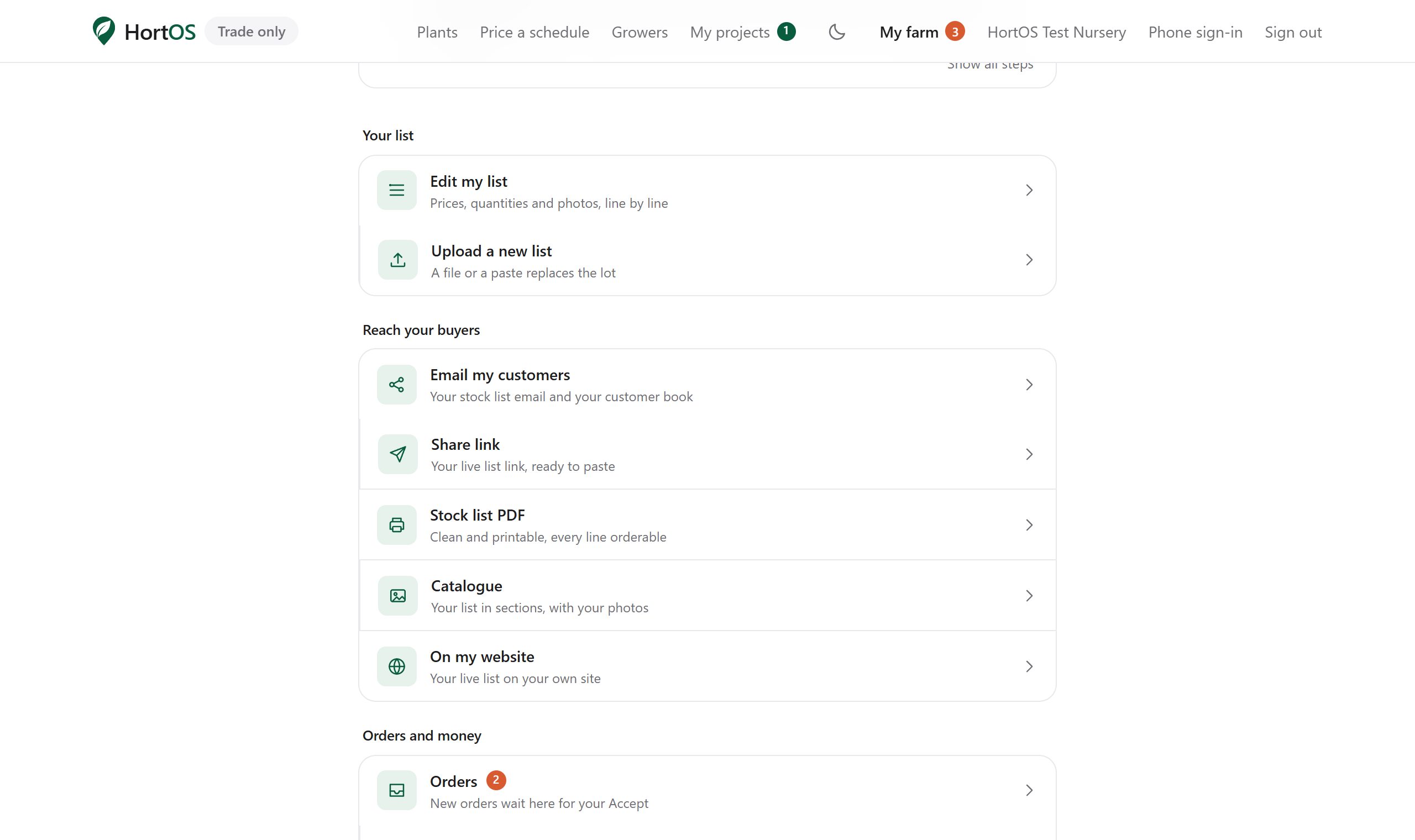
On your farm dashboard, find the Share link tile under Reach your buyers.
- 2
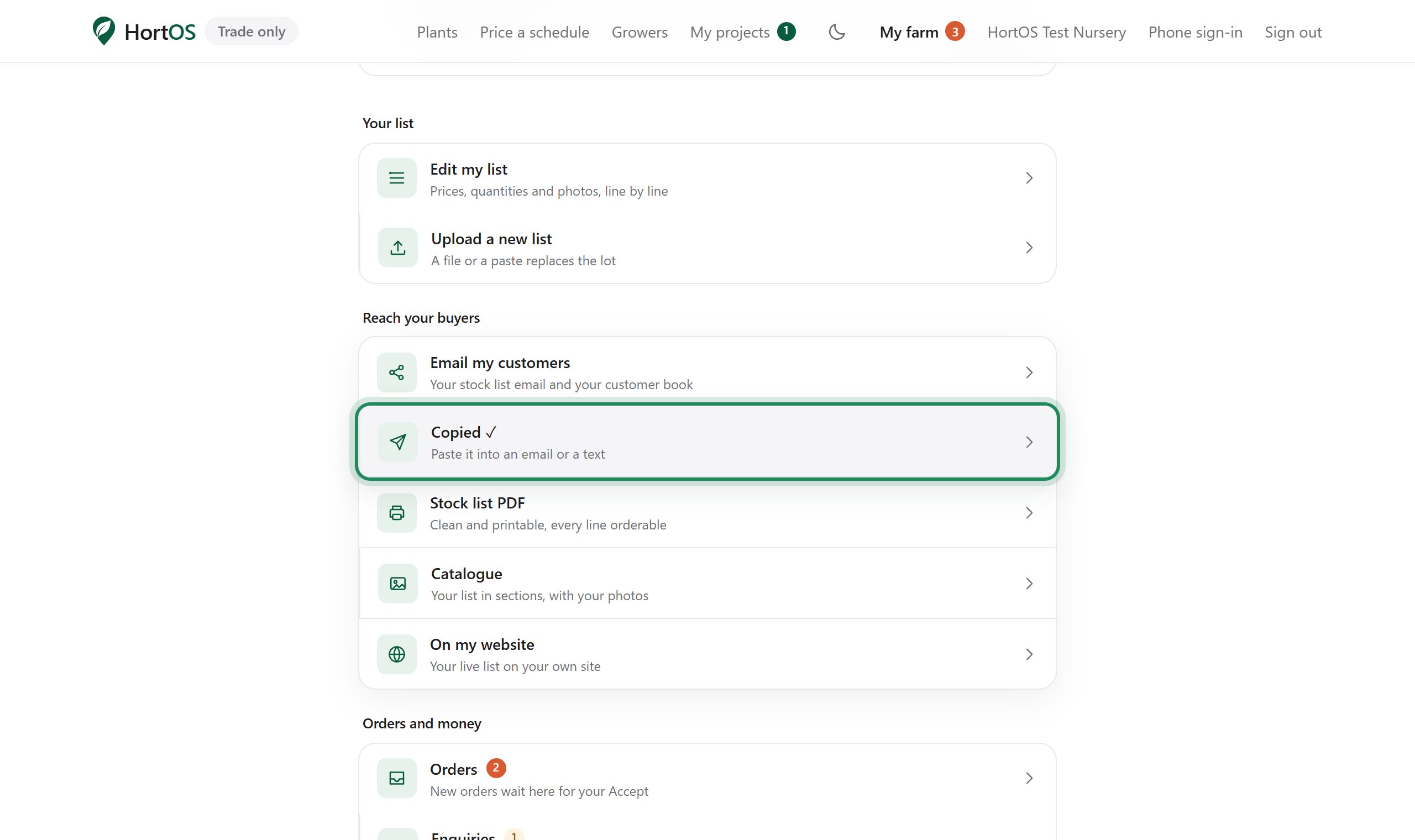
Tap Share link. Your live link is copied, ready to paste into an email or a text to your customers.
- 3
Anyone with the link sees your current availability and can order from it. No account needed to look.
- 4
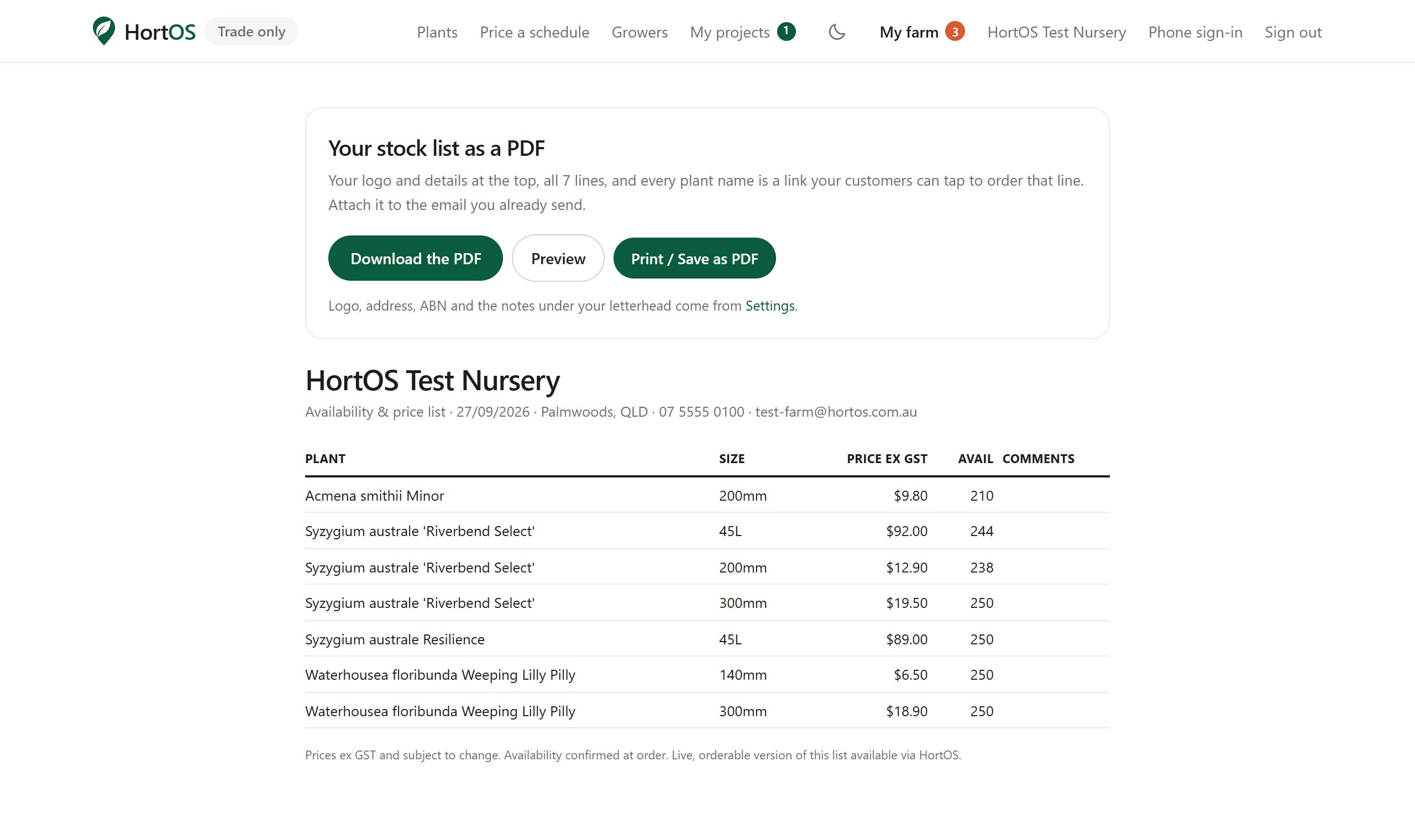
Need paper? Open Stock list PDF from the dashboard for a clean printable version, or Catalogue for the designed one with your photos.
Stuck? Email team@hortosapp.com and we will sort it out, or set it up for you.