Dispatch day: ready, then picked up
Two clicks take an order from confirmed to done, and the buyer is told at each step automatically.
4 steps · about 2 min
- 1
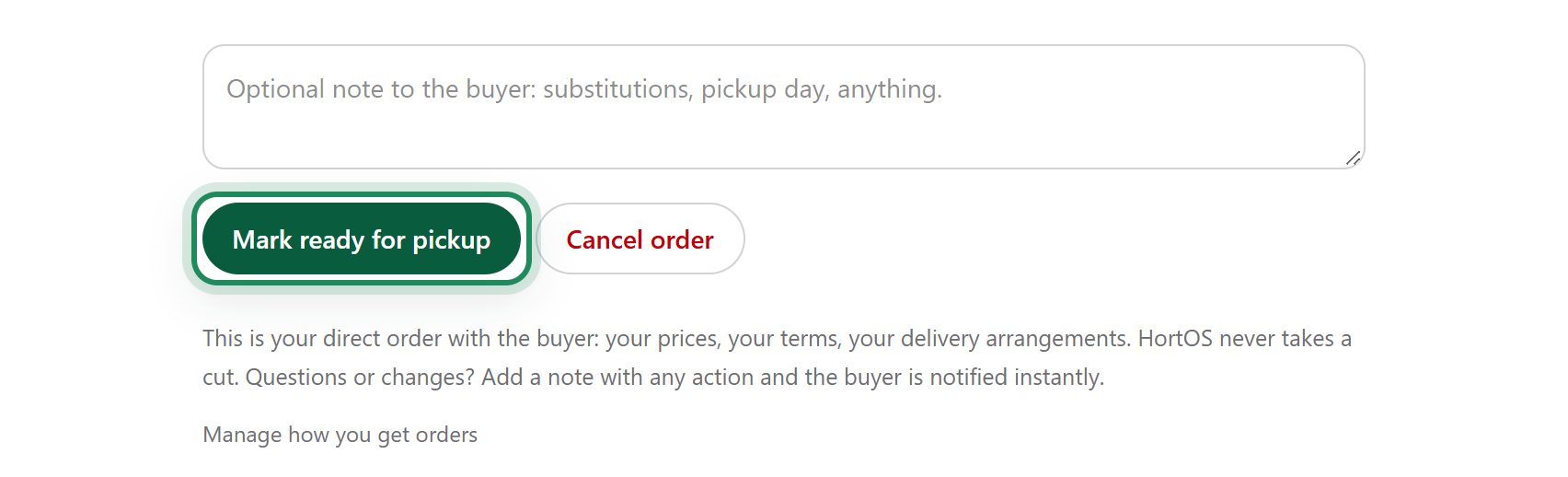
When the order is pulled and staged, click Mark ready for pickup on the order page.
- 2
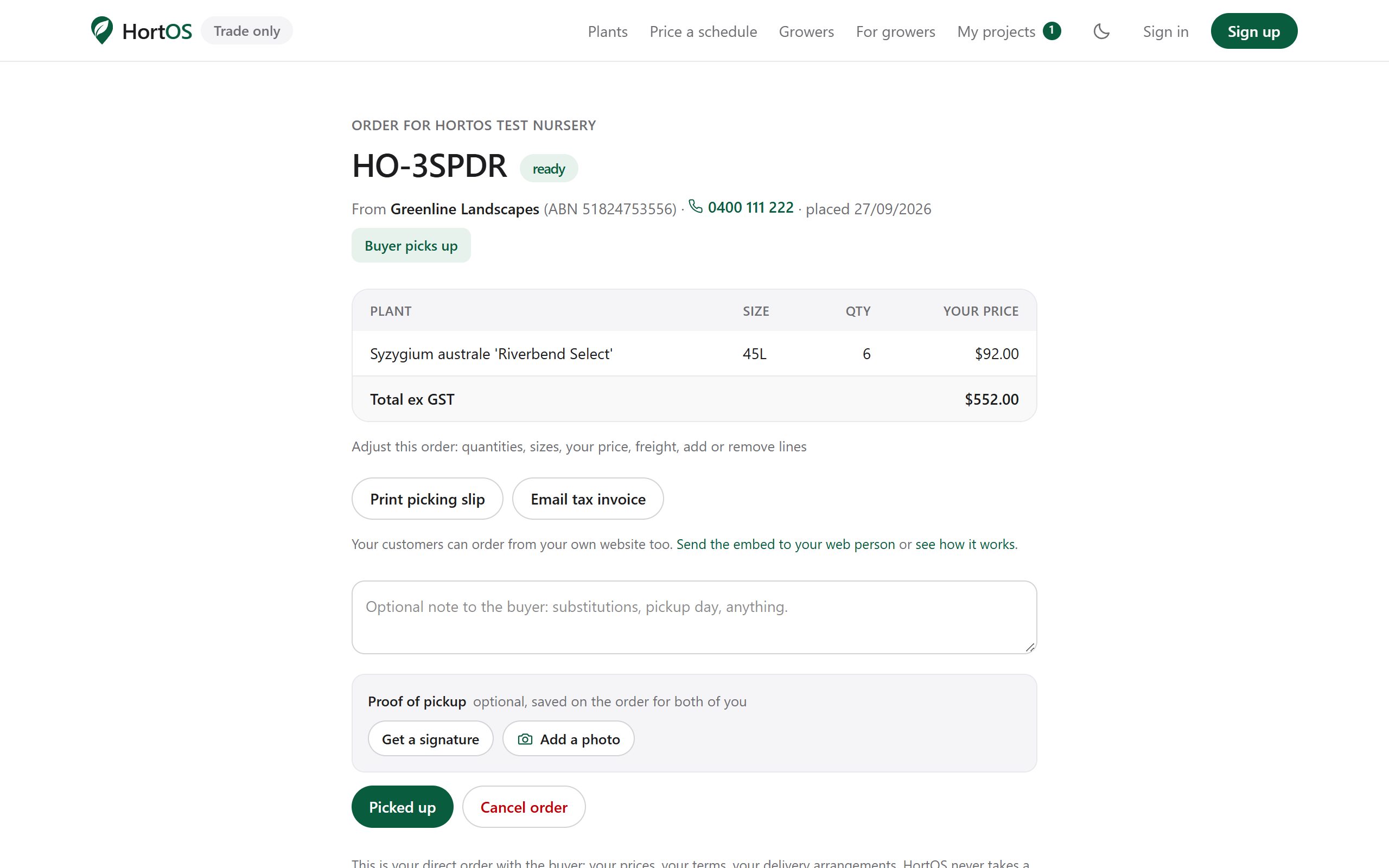
The buyer is emailed that it is ready. The order shows as ready on both sides.
- 3
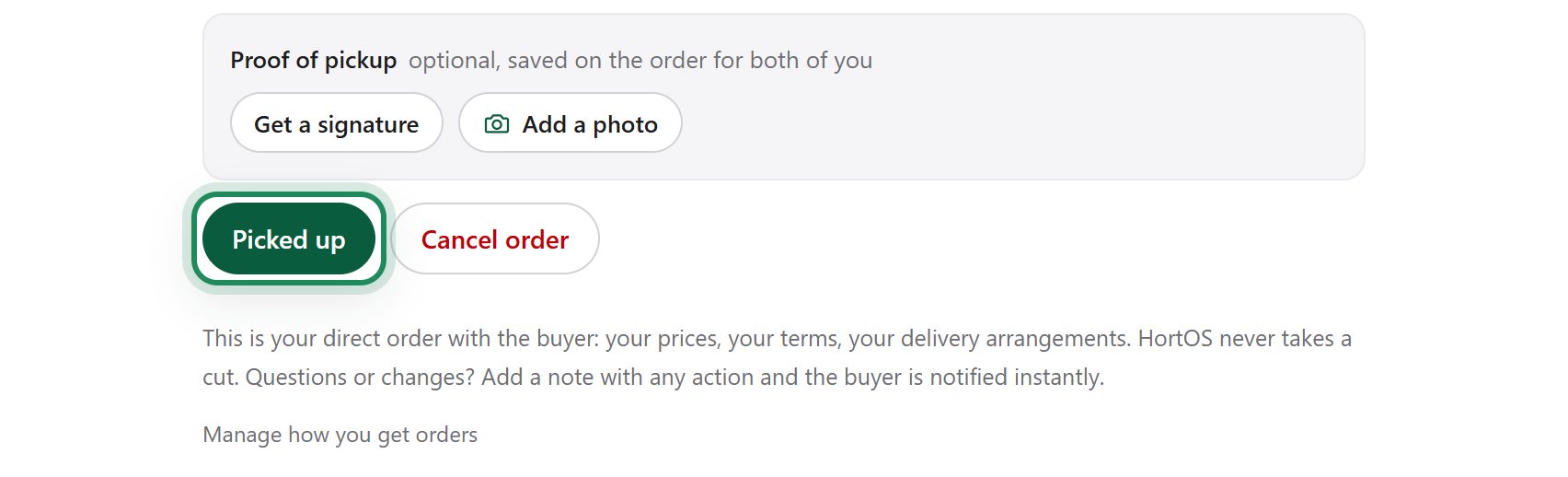
When it leaves the nursery, click Picked up.
- 4
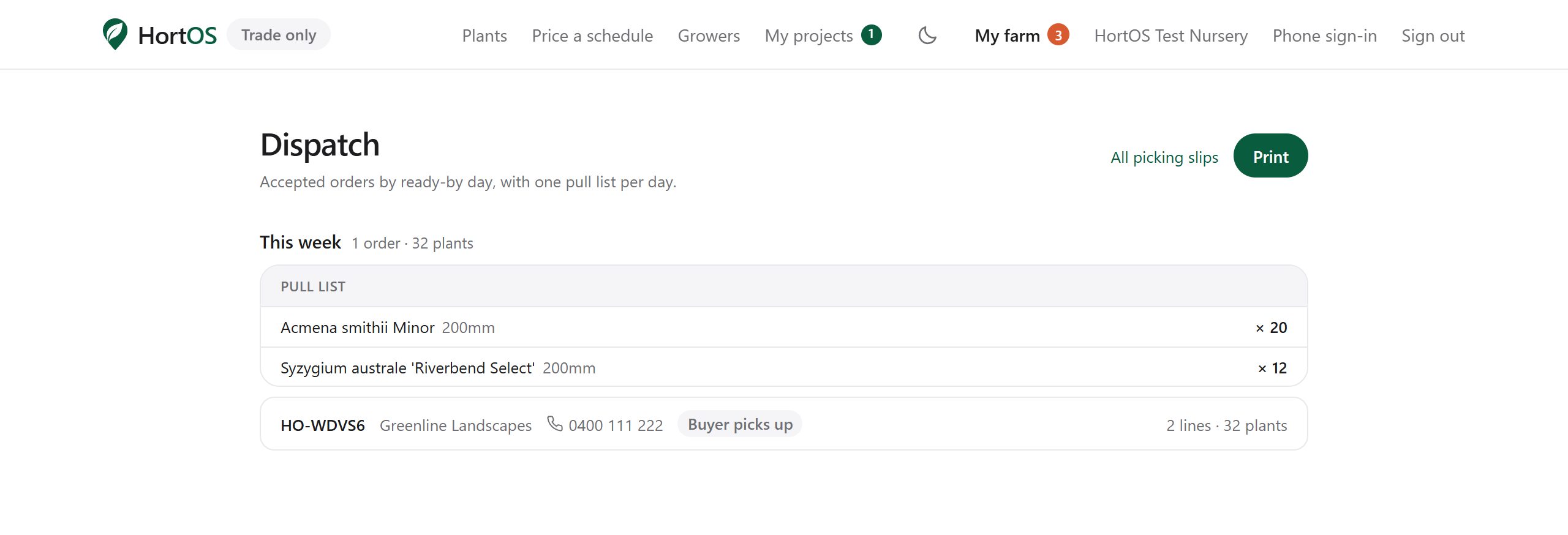
Done. The order is complete and filed. The Dispatch view shows everything still in flight.
Stuck? Email team@hortosapp.com and we will sort it out, or set it up for you.